3. Select a program
The dryer uses an electronic sensor system which
monitors the residual moisture in the laundry and a
timer for extra safety.
Once the required level of dryness has been reached
the laundry is cooled and the drying program will
end.
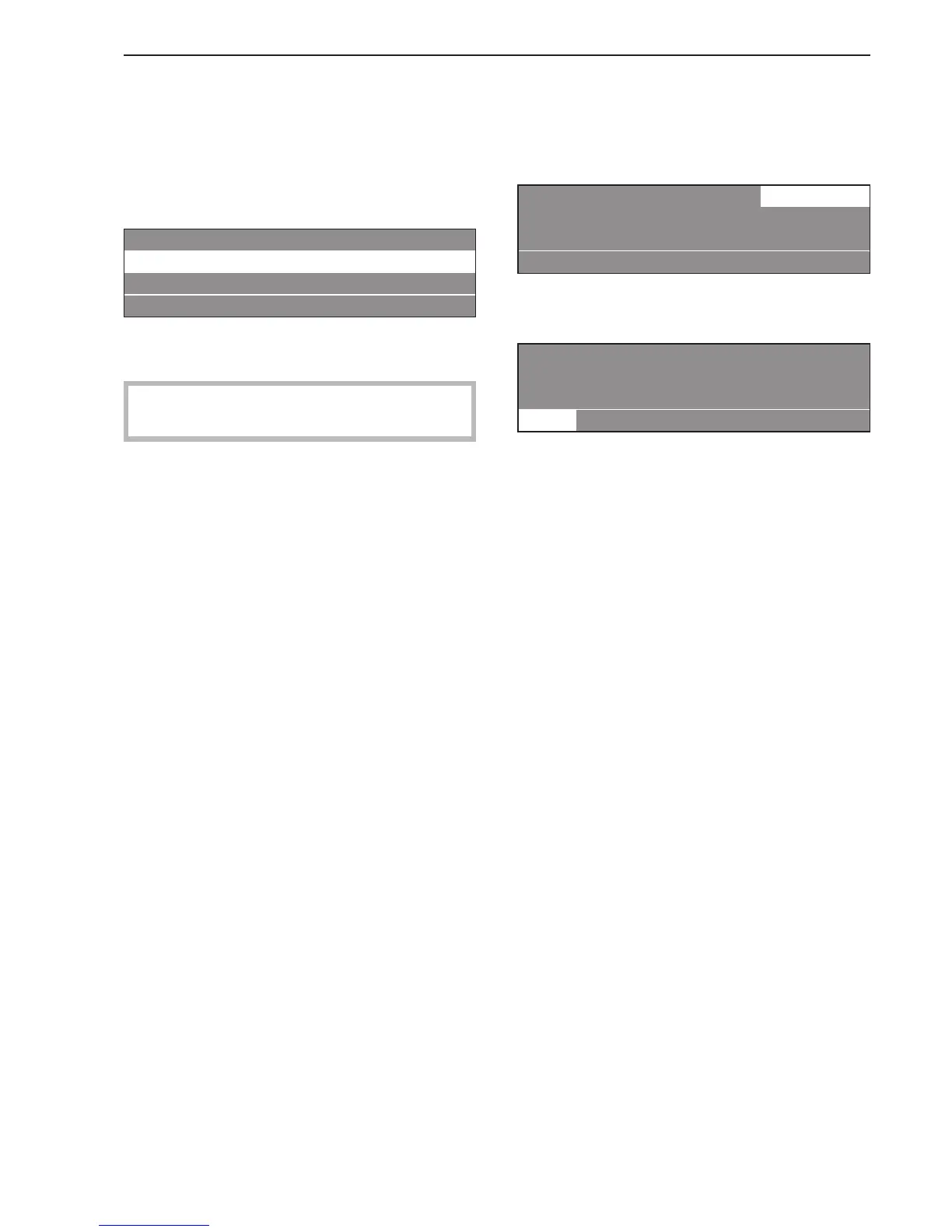
1 White Cottons 0%
2 Cottons 0%
3 Colors 0%
FC A
^
Select a program by turning the jog shuttle (e.g.
Program 2 Hot Wash / Cottons dry).
See the "Program Guide" for more information on
the standard programs.
4. Select [ "Blockplus" (if desired)
(Not available for standard programs)
^
Confirm the selected program by pressing the jog
shuttle.
22 Hot Wash / Cottons dry 22.0 / 22.0 lb
15 % Drying 176 °F
Cool down e
[ m A
^
Press the [ "Blockplus" button to select a
program block, e.g. pre-drying if desired.
22 Hot Wash / Cottons dry 22.0 / 22.0 lb
24 % Pre-drying
0 % Drying e
[ m A
The field [ is highlighted.
The function can be deselected by pressing the
button again.
If you do not need to make any other changes to the
program:
^ Press the "START" button and the drying program
will begin.
Drying
11


 To Next Page