y
Power cut
Programme stop
Press the start button.
f
^
The program can be continued by pressing the
"Start" button.
§
Heating system fault
Programme stopped. Press the start button.
Programme will run without heating
f
^
To continue the program without heating press the
h "Start" button.
Call the Service Department.
§
Heating system fault
Call the Service Department
if restart does not work.
f
^ Call the Service Department.
§
Pressure monitor fault
Call the Service Department
if restart does not work
f
^
If the program still will not start please call the Ser
-
vice Department.
§
Card fault
Card incorrectly inserted in card reader.
A
^
Insert the card the right way round in the card rea
-
der.
After sales service
In the event of any faults please contact the Service
Department.
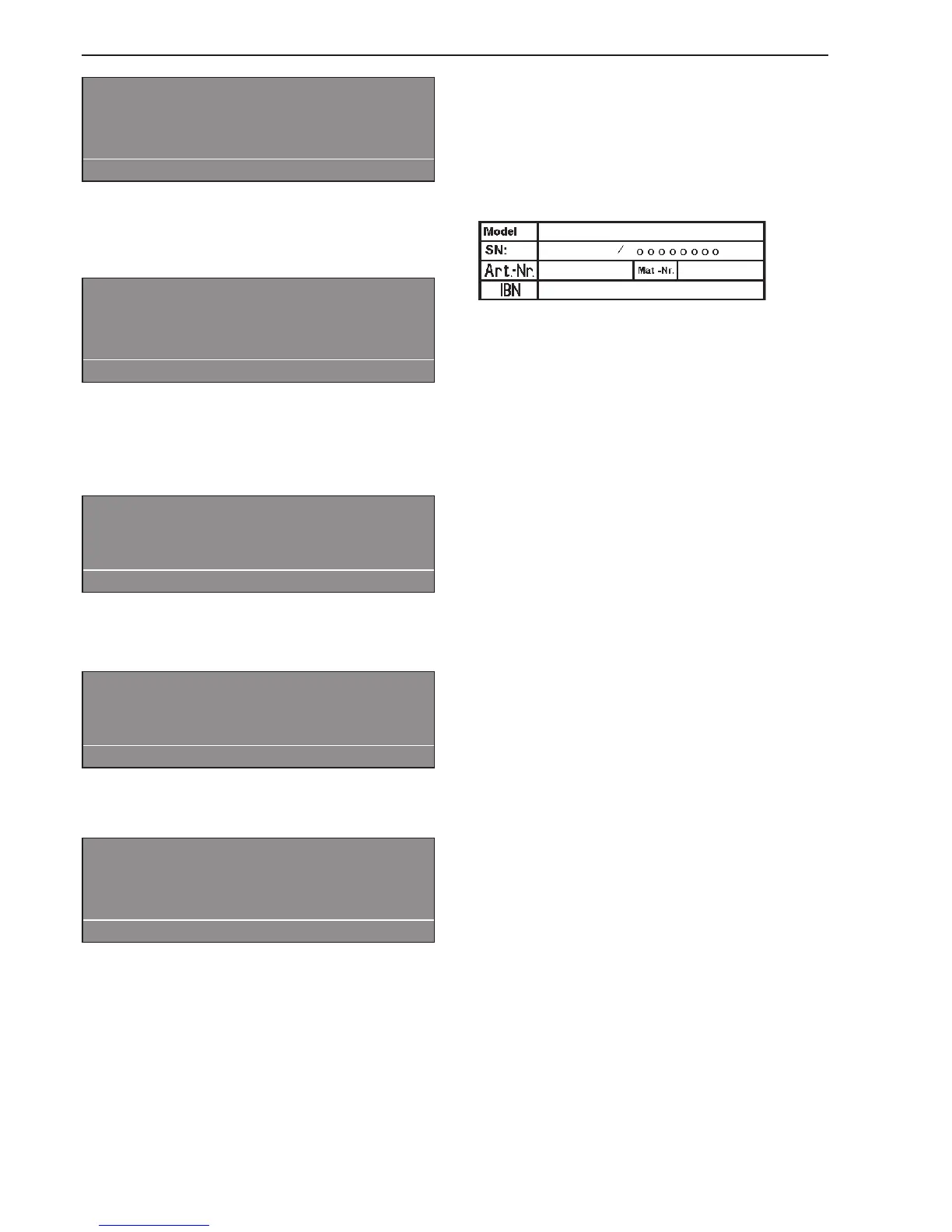
When contacting the Service Department, please
quote the Model, Serial number (SN) and Material
number (M.Nr) of your machine. These are shown on
the data plate.
This is visible above the door aperture or at the back
of the machine.
Please let the Service Department know any error
message that has appeared in the display.
Should you require spare parts ensure that you only
use genuine original Miele Spare Parts (and re
-
member to let the Spare Parts
Department know the model, serial number and ma
-
terial number of your machine).
Problem solving guide
26


 To Next Page