Language
The display language can be temporarily changed
with the flag symbol.
1 White Cottons 0%
2 Cottons 0%
3 Colors 20%
FC A
^
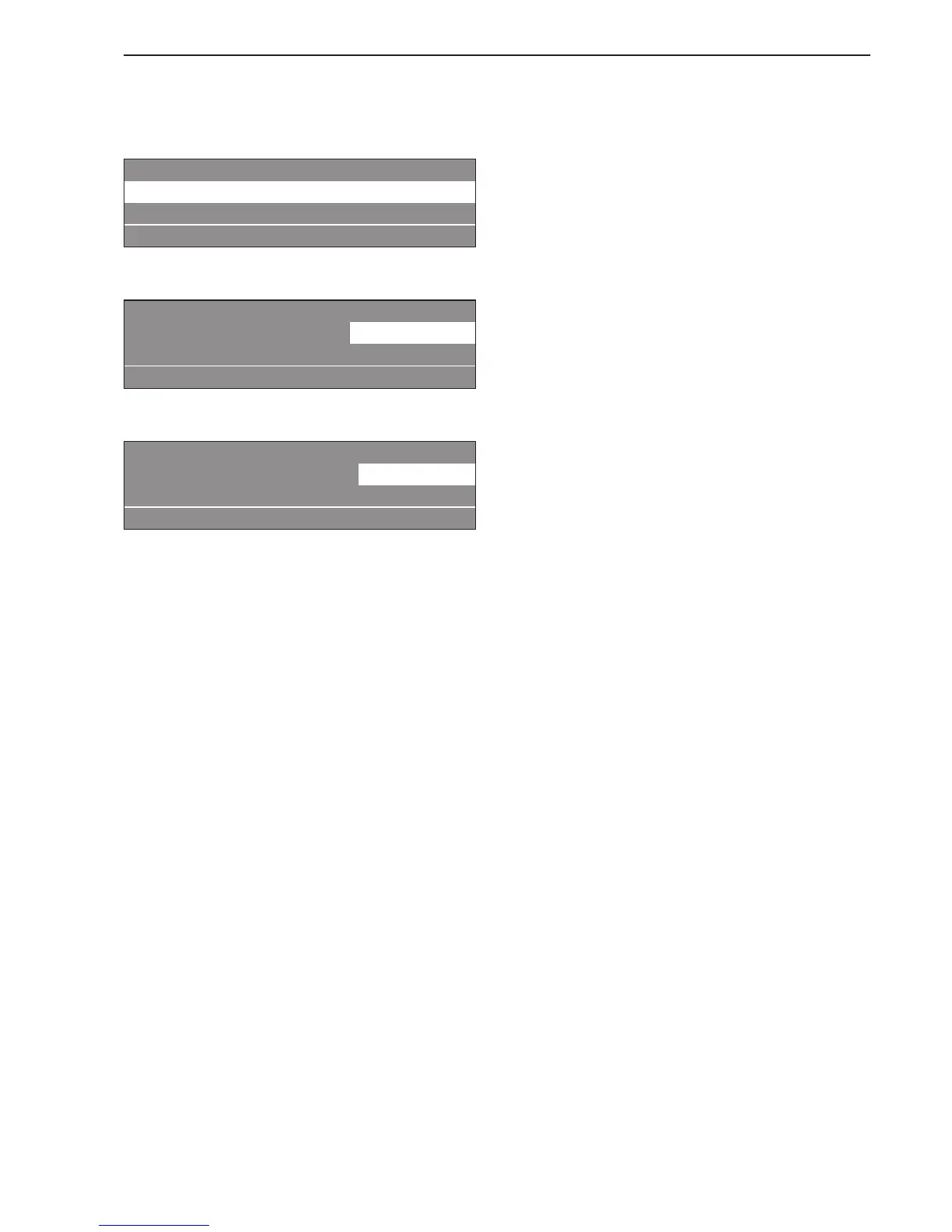
Press the FC function button.
Settings Back <-
Main menu Language
Programming level
FC A
^
Press the jog shuttle to select "Language".
Settings svenska
Language english (USA)
Back <-
FC A
^ Turn the jog shuttle to select the desired language
and press to confirm the selection.
When the selection is confirmed the display switches
to the selected language.
The language is set back to its original setting:
– if no activity was carried out for 5 minutes.
– 5 minutes after the program has ended.
–
when the door is opened.
Extra features
17



 To Next Page