If you wish to make alterations before the
start of the programme, e.g. to the load
size, temperature or spin speed:
Load weight
You can enter the weight of the load
manually before the start of the programme.
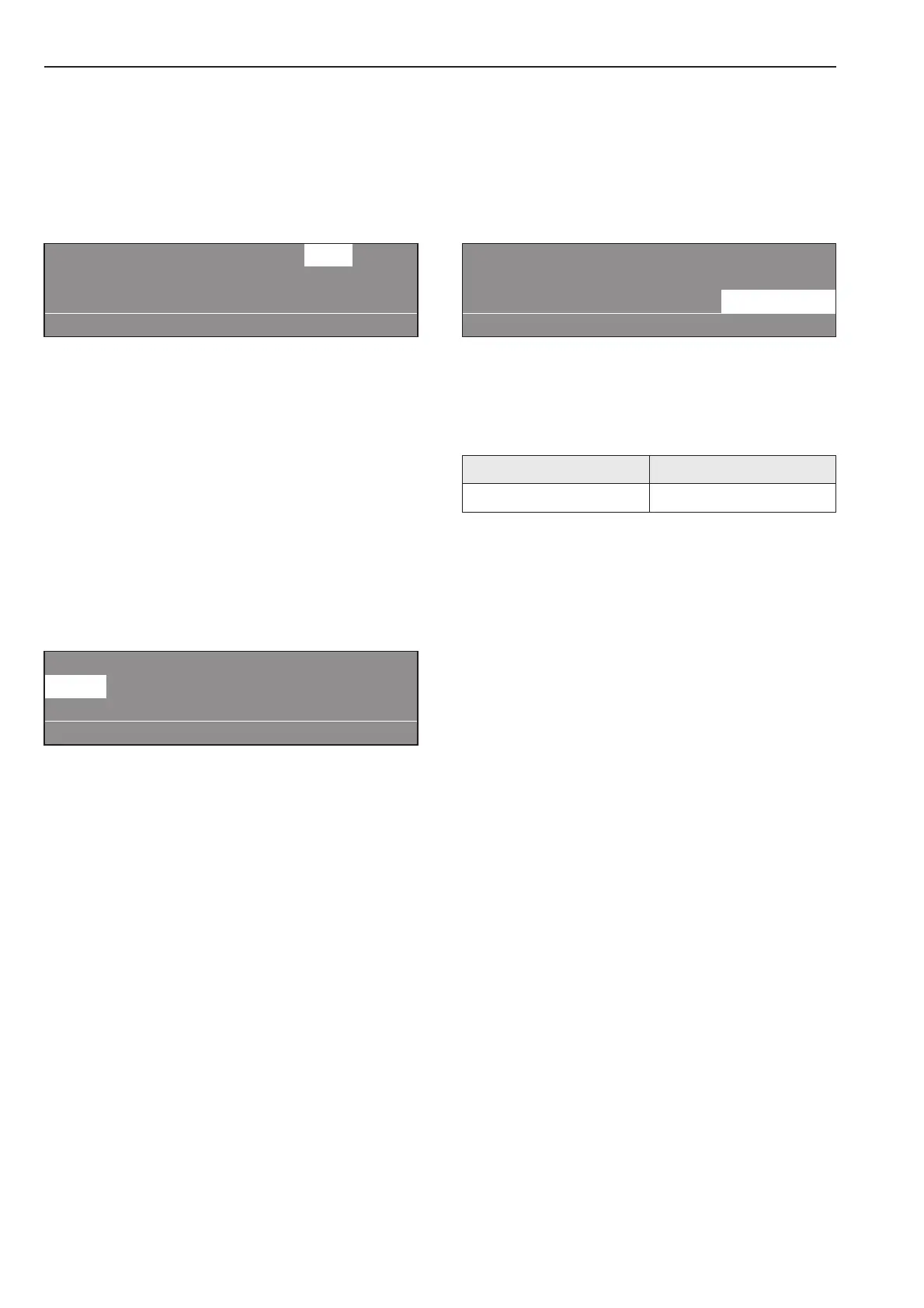
1 Cottons 10.0 24.0 kg
40 °C Pre-wash
90 °C Main wash e
+im k m A
^ Turn the rotary dial until "Load" (10.0 /
24.00 kg) is highlighted. Press the dial to
confirm your selection. Turn the dial to
alter the weight and confirm your selection
by pressing it.
Temperature in 1 °C increments from cold,
15 to max. 95 °C .
^ Turn the rotary dial to select the
"Temperature" field (40°C for pre-wash)
and press it to confirm your selection.
1 Cottons 10.0 / 24.0 kg
40 °C Pre-wash
90 °C Main wash e
+im k m A
^ Turn the rotary dial to alter the temperature
value and then press it to confirm your
selection.
Spin speed in 25 rpm increments from 0,
300 to max. 1100 (PW 6241) or 1000 rpm
(PW 6321).
^ Turn the rotary dial to select the "Spin
speed" field (1100 rpm for the final spin)
and press it to confirm your selection.
1 Cottons 10.0 / 24.0 kg
90 °C Main wash
Rinses 1100 rpm
+im k m A
^ Turn the rotary dial to alter the spin speed
and then press it to confirm your selection.
Maximum spin speeds
PW 6241 PW 6321
1100 rpm 1000 rpm
^ Press the START button. The programme
will start.
How to wash correctly
16 M.-Nr. 06 572 495



 To Next Page