Depending on the model, your vacuum
cleaner will include one of the following
control panels.
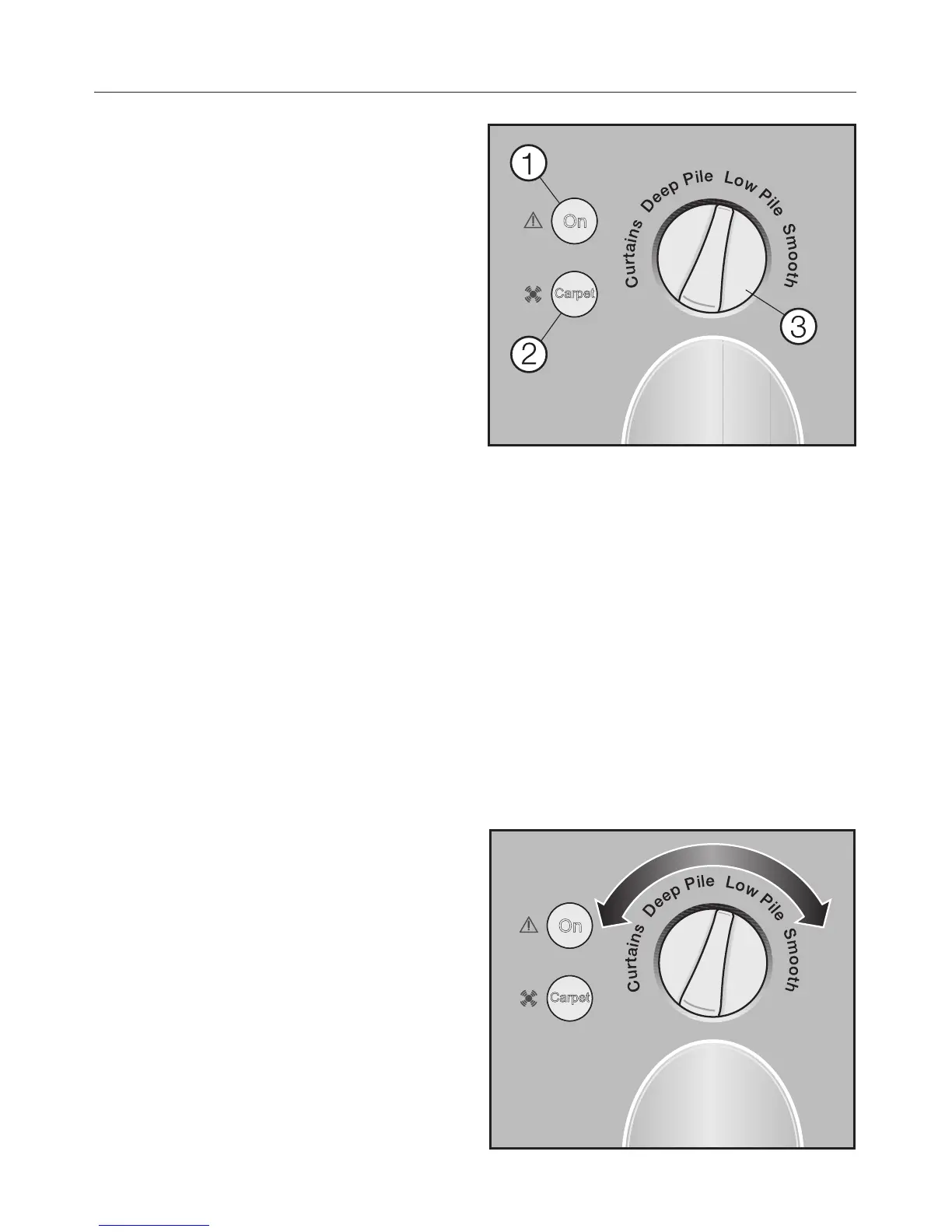
ComfortLine Models
a Vacuum "On" indicator
b Operation/Blockage protection
indicator
Yellow: the Powerbrush was turned
on using the Carpet/Floor button on
the hand piece.
Red: the beater bar is blocked
c Rotary selector
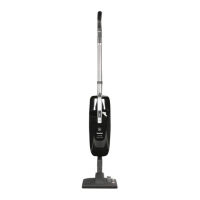
Selecting the suction power
setting
You can adjust the suction power to suit
your preference.
Rotary selector
^
Turn the suction power selector to the
desired setting.
Use
14
C
u
r
t
a
i
n
s
D
e
e
p
P
i
l
e
L
o
w
P
i
l
e
S
m
o
o
t
h


 To Next Page