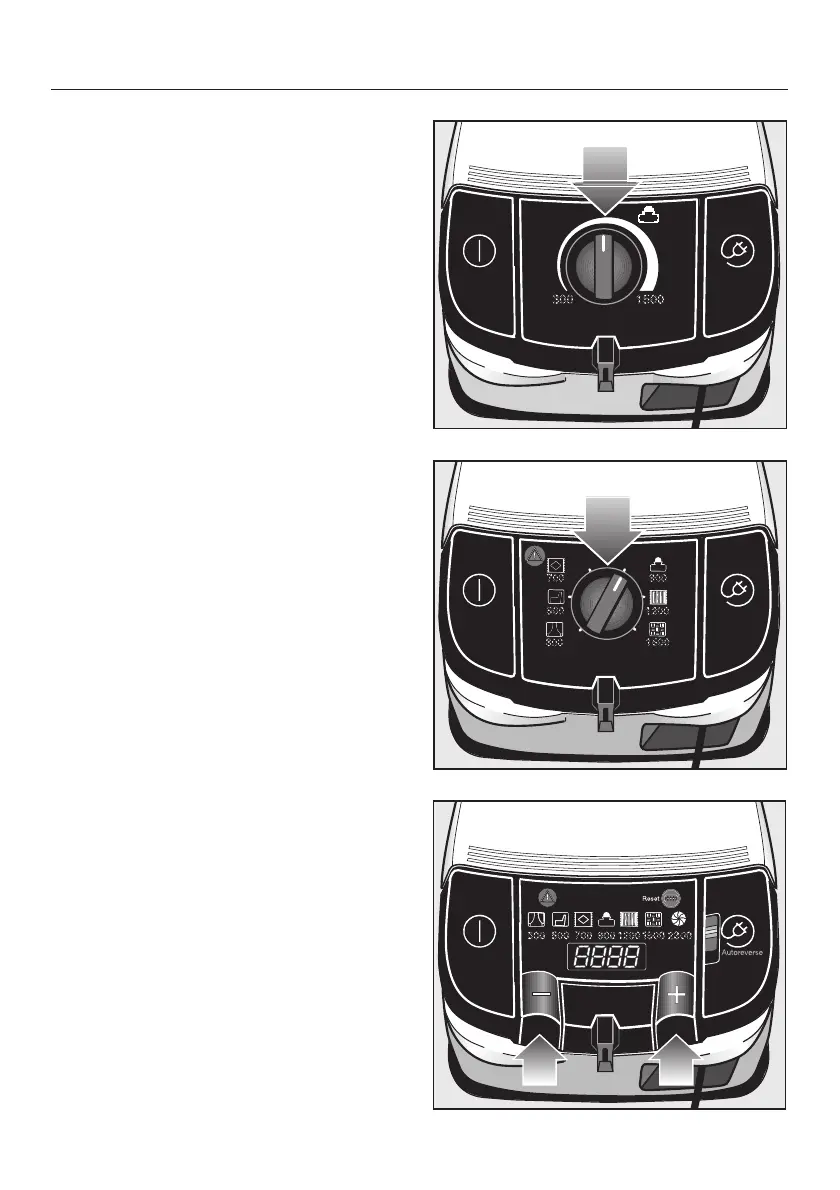
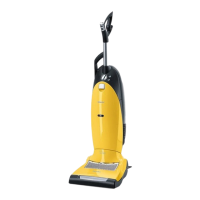
Rotary selector
^
Turn the suction power selector
manually to the suction power setting
you require.
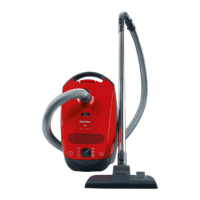
+ / - foot controls
Press the controls to select the suction
power you require.
^
Press the
+ control to select a higher
setting.
^
Press the
- control to select a lower
setting.
When switched on, the vacuum cleaner
operates at the power setting last used.
A single short press on the control
moves the suction power up or down
one setting at a time. If the control is
held down, the suction power setting
will automatically move through the
power settings until the control is
released.
Use
18



 To Next Page