33
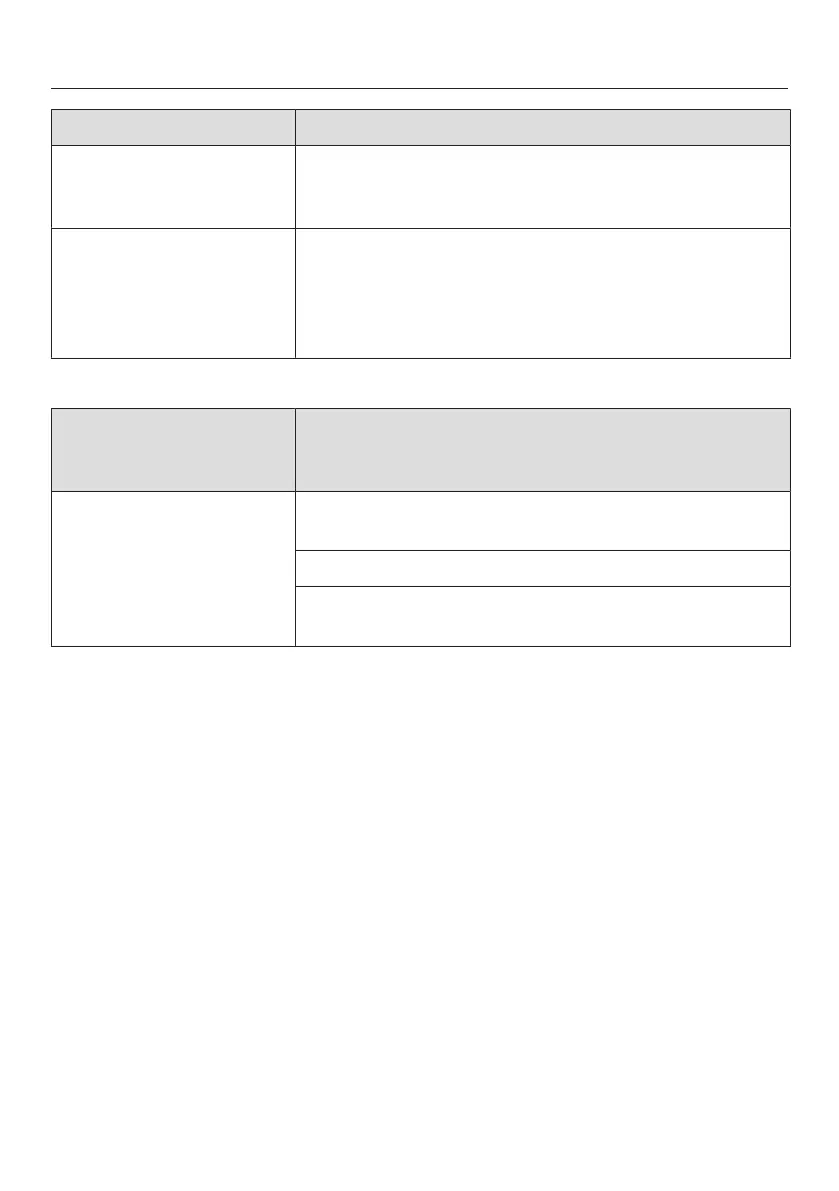
Problem Cause and remedy
F 7 Internal system error
Switch the robot vacuum cleaner off and on again
(I/0 switch).
F 8 "Front wheel dirty" error
Check whether the front wheel, the cover or the
slot depression have become dirty. Remove any
threads and hair, and clean the front wheel, the
cover and the depression.
Resetting the error
message after fixing
the problem
You can reset the error messages described
above in the following ways
– Switch the robot vacuum cleaner off and on again
(I/0 switch).
– Press the Power button on the remote control.
– Press the sensor field in the display for at least
three seconds.



 To Next Page