Open the Settings menu
1 COTTONS PROGRAMME SELECTION ...
2 MINIMUM IRON
SETTINGS F...
3 WARM AIR
4 WOOLLENS HANDCARE
10:00
^
Select
Settings
J from the entry menu and confirm your
selection with the multi-function selector.
Select Settings
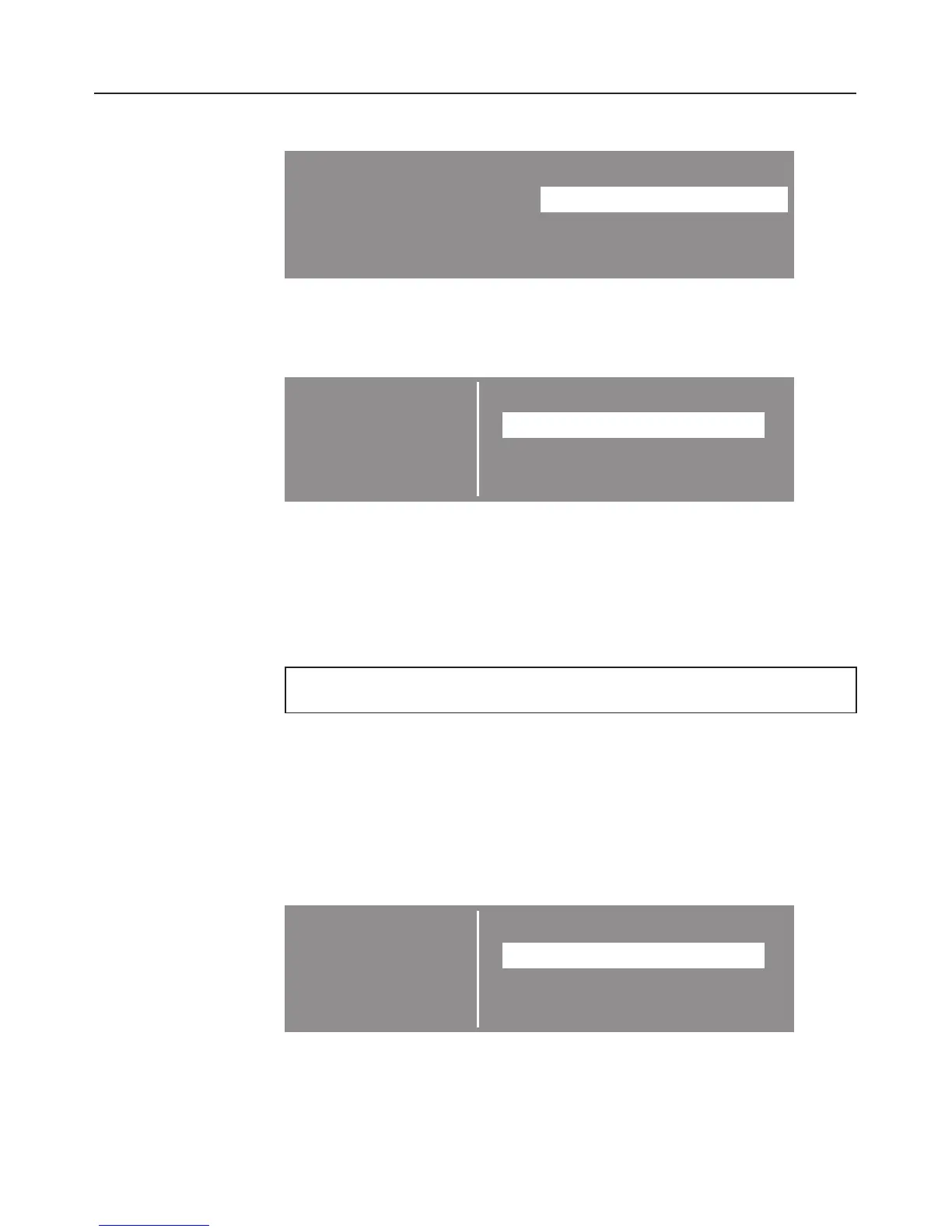
SETTINGS
Back A
LANGUAGE F ...
TIME OF DAY ...
DRYING LEVELS ... H
^ Select the setting you want to change and confirm your
selection.
If you do not make a selection in the sub-menu within approx.
20 seconds, the display will revert to the main menu.
Language J
The display shows several different languages.
You can select one of the languages displayed via the
Languages
J sub-menu.
The flag after the word
Languages
acts as a guide to prevent
a language which will not be understood from being set.
A tick will appear beside the language to show that it has
been set.
SETTINGS
Back A
LANGUAGE F
dansk
deutsch B
english H
Select the language you want and confirm your selection.
Settings menu J
50



 To Next Page
 Loading...