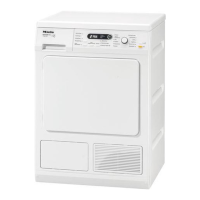
Condensed water container
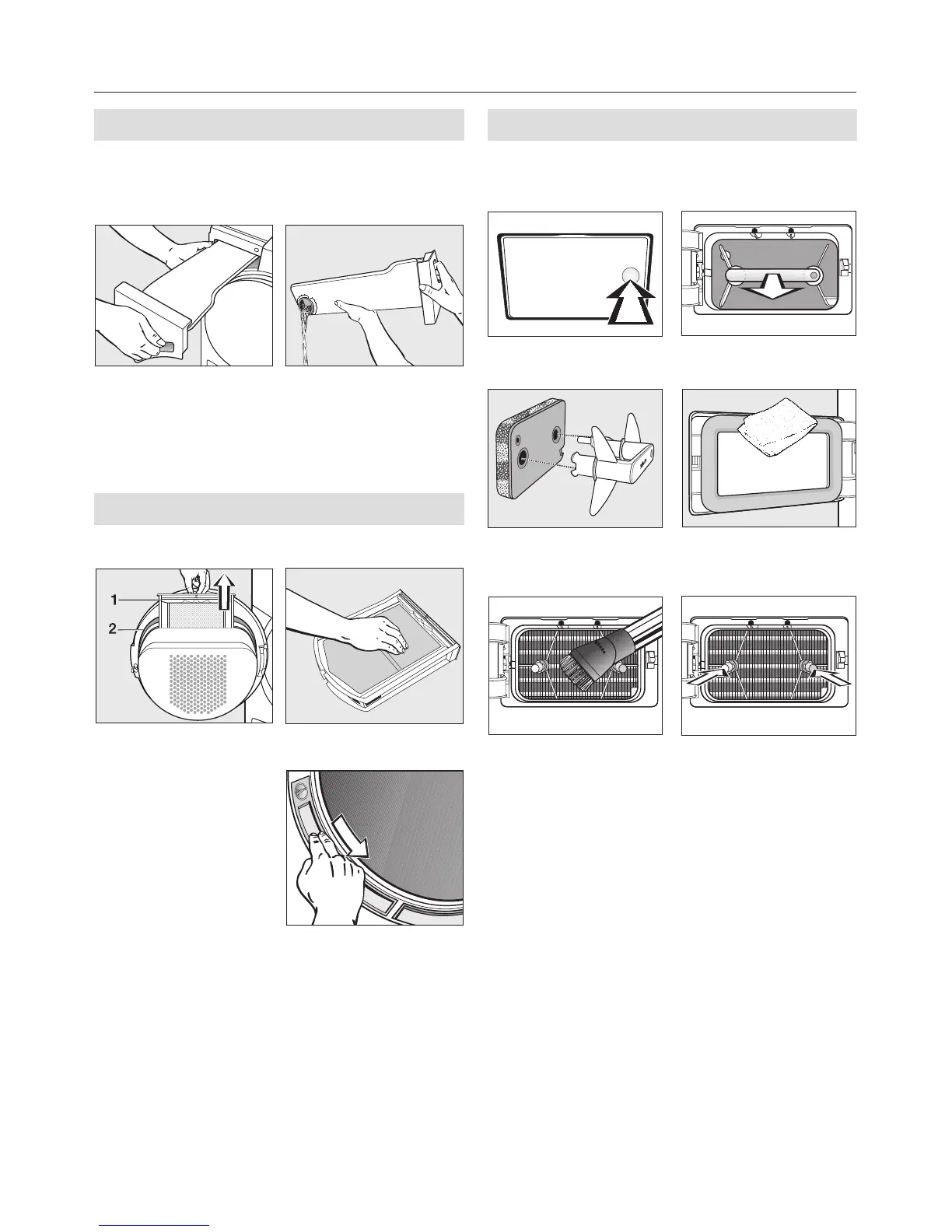
After every programme
(or if the Empty container* indicator
light comes on)
A remove B empty
* To switch indicator light off: open and
close the door (while the dryer is
switched on)
Fluff filters
After every programme
A remove
1 = Fluff filter
2 = Clean seal
with a damp
cloth
B clean
C clean
Fine filter
Only clean this fine filter if the Clean
the filters* indicator light illuminates
A open B remove
C disassemble/
clean
D clean
E clean F Stick the handle
with the filter
attached onto
the two guide
pins:
yellow dot must
be on the left
* To switch indicator light off: open and
close the door (while the dryer is
switched on)
Cleaning and care


 To Next Page
 Loading...