7. Select Delay Start
(if desired)
Delay start allows you to delay the start
of a program from 30 minutes to a
maximum of 24 hours.
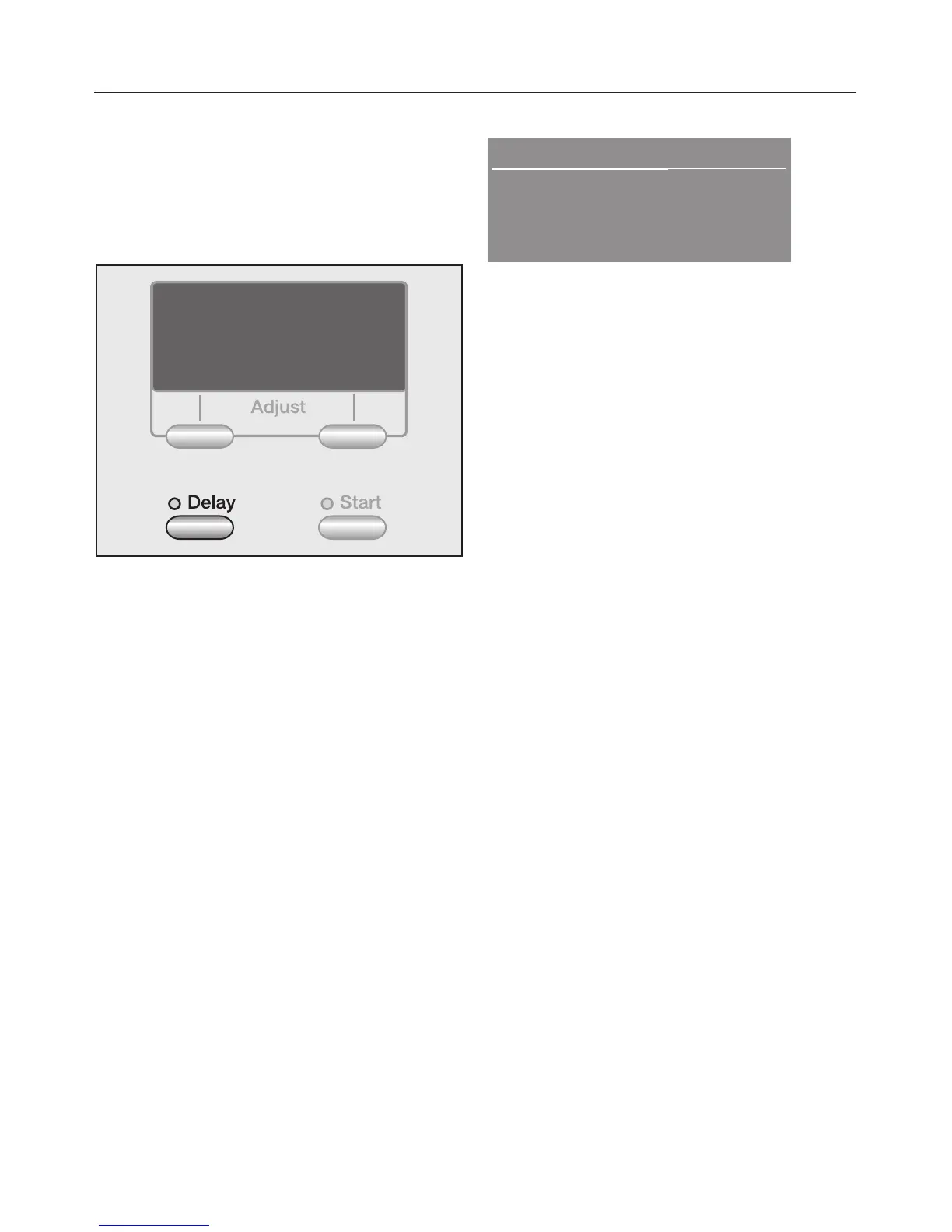
^ Press the "Delay" button.
Start in: 0:30 h
MG G P G G GM
MG G G G P GM
Warm
High spin
^
With every touch of the "Delay"
button, the start is delayed longer.
Hold to speed up the count.
–
For a delay less than 10 hours, the
delay time extends in 30 minute
increments.
–
For a delay more than 10 hours, the
delay time extends in 1 hour
increments.
Cancel
^ Press the "Pause" button.
Adjust
To adjust the "Delay Start" time cancel
then reset.
Using the washer
25


 To Next Page
 Loading...