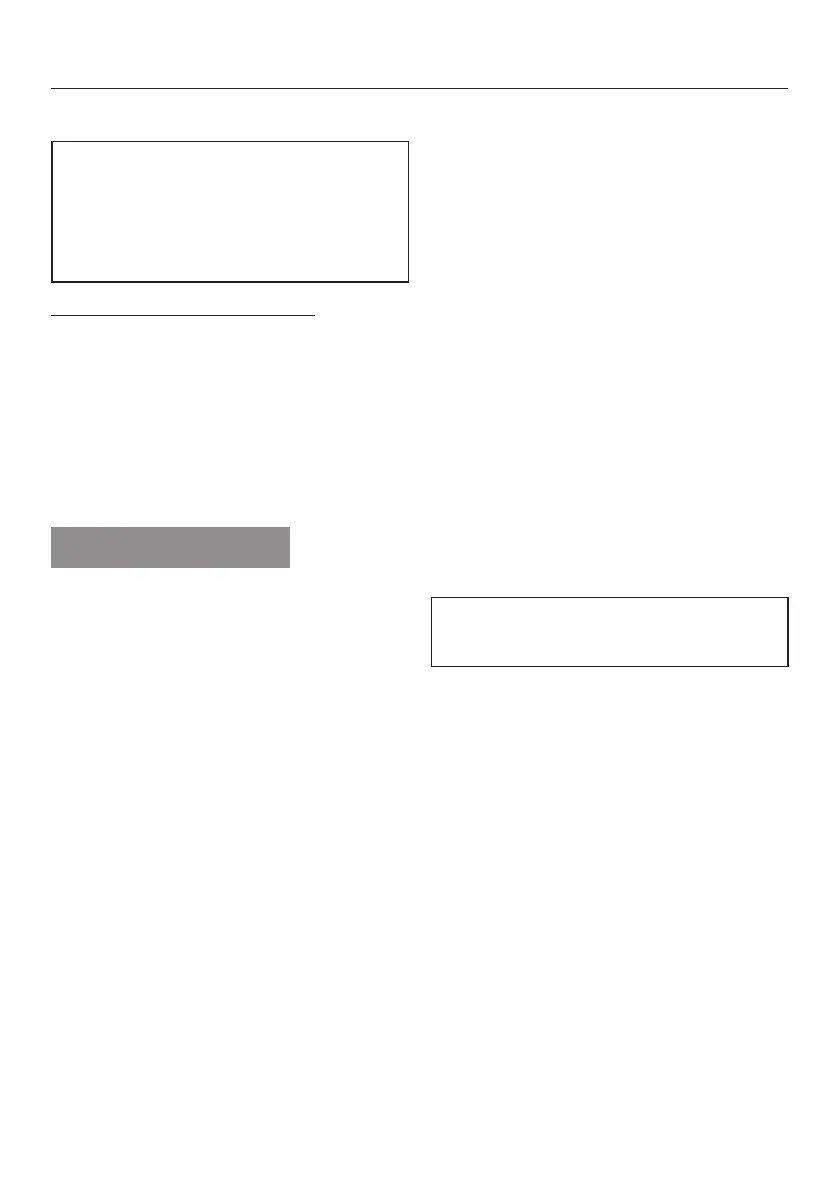
To access programmable functions
Use the Start/Stop button and the
program selector to access the
programmable functions. This
second function for the button and
selector is not indicated on the panel.
Before you begin, check that:
–
The washer is switched off.
–
The door is properly closed.
A Press and hold the Start/Stop button
during steps B to C.
B Press the _ button in.
C As soon as the display shows...
Language ! ...
. . . you can release the
Start/Stopbutton.
You now have access to the
programmable functions.
To select a programmable function
C Turn the program selector until the
desired programmable function
appears in the display.
E To change a displayed
programmable function, press the
Start/Stop button.
To change a programmable function
Turn the program selector to see the
various options available for a
programmable function.
The currently set option is marked with
a check L.
F Turn the program selector until the
desired option appears.
G To activate the option, press the
Start/Stop button.
To exit a programmable function
H Turn the program selector until Back
A appears in the display.
I Press the Start/Stopbutton.
Language !
The display can be set to appear in
one of several different languages.
The flag
! after the word Language is a
cue for the user, in case the menu item
appears in an unfamiliar language.
The selected language will be stored in
the memory.
Programmable functions
55


 To Next Page