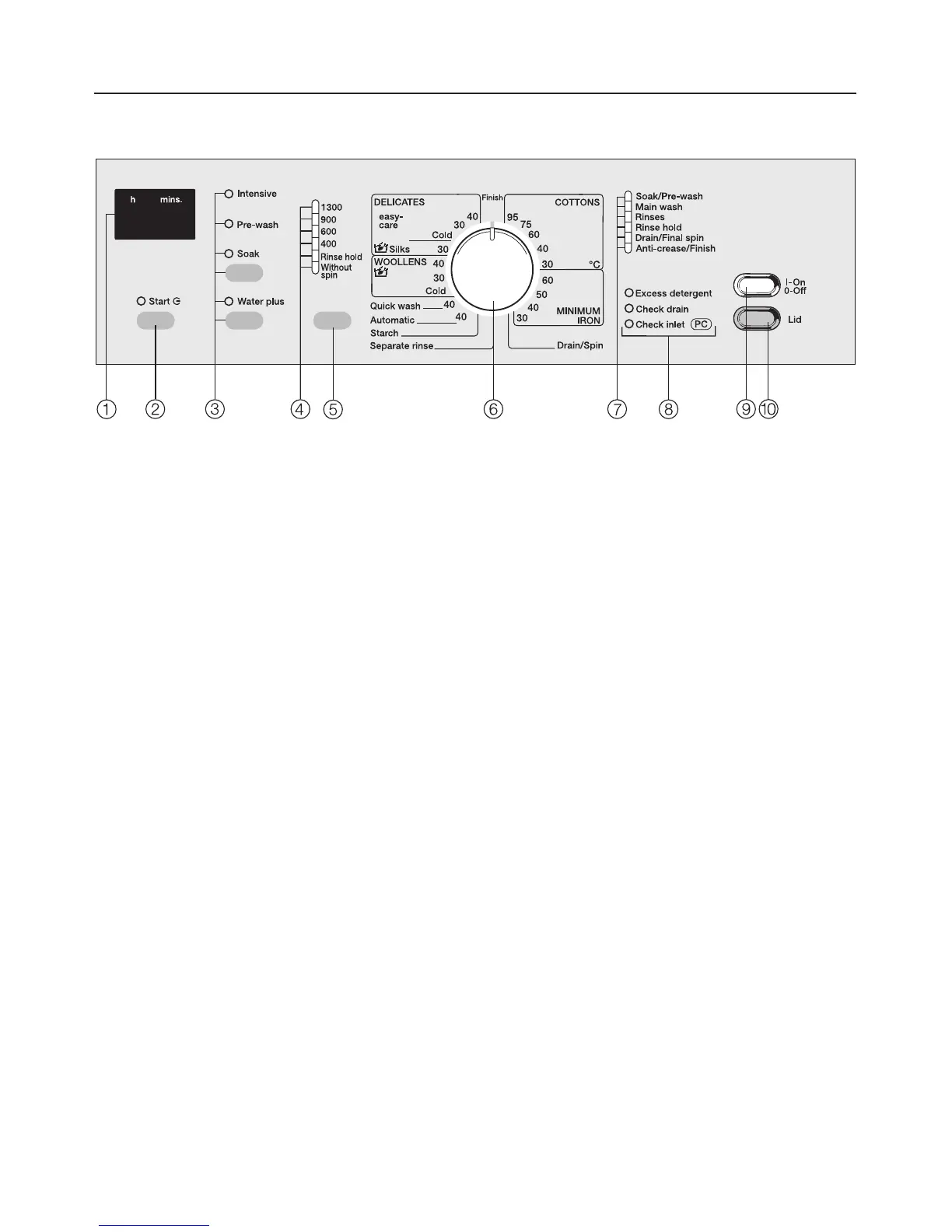
Control panel
a Display
See the following page for more
information.
b Start button
starts the wash programme.
c Additional option buttons
Additional options can be added to
the basic programme.
Use the top button to select the
Intensive
,
Pre-wash
, or
Soak
option or a combination of these
options.
Use the lower button to select the
Water plus
option.
Indicator light on = option selected
Indicator light off = option not se-
lected
d Indicator lights for spin speed,
Rinse hold or Without spin
e Spin button
for selecting the final spin speed,
Rinse hold or Without spin
f Programme selector
for selecting the wash programme
and temperature for that programme.
The programme selector can be
turned clockwise or anti-clockwise.
g Programme sequence indicator
lights
show which section of the wash
programme has been reached
h Check lights
i I-On/0-Off button
for switching the machine on or off
or interrupting a programme
j Lid button
opens the machine lid
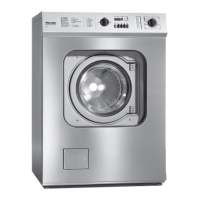
Description of the machine
11



 To Next Page