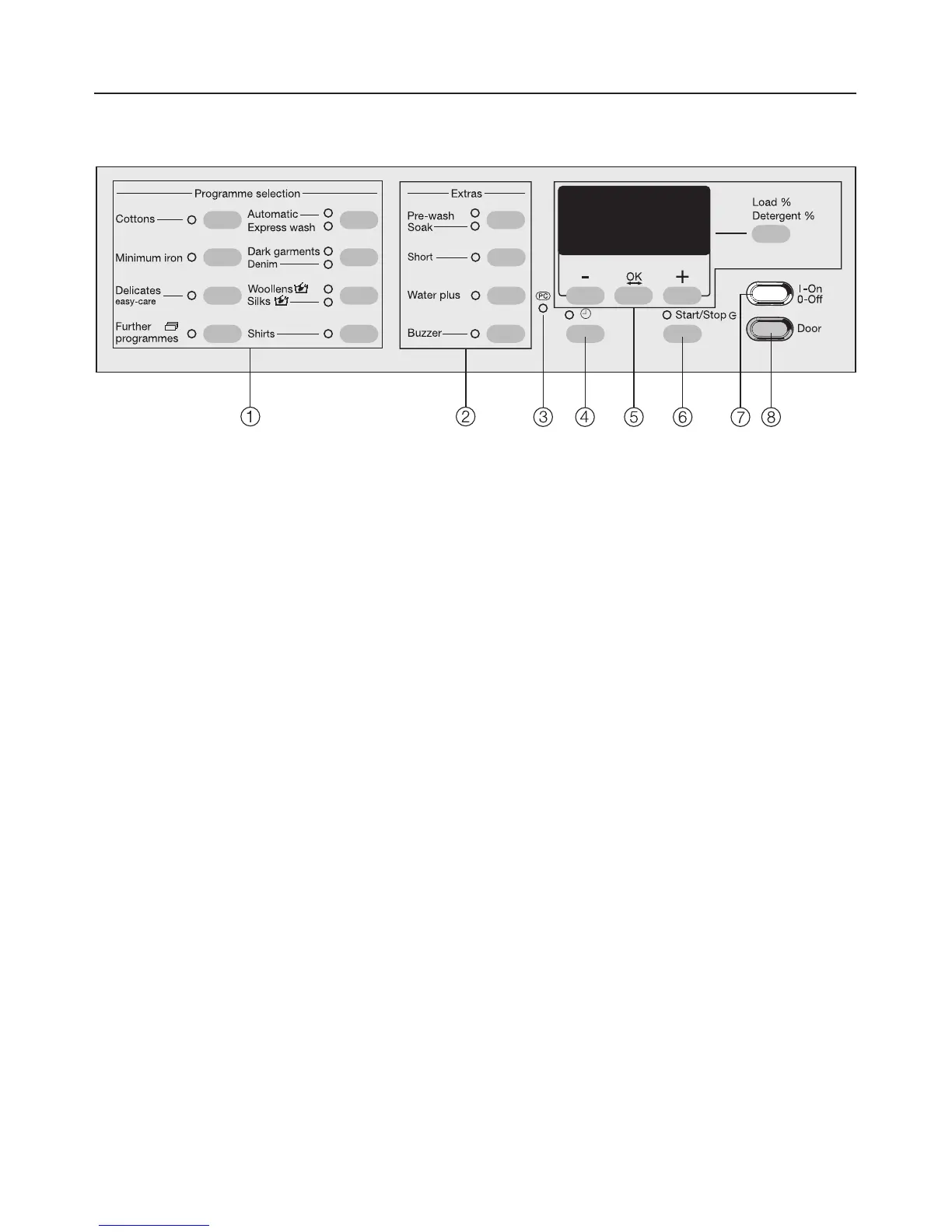
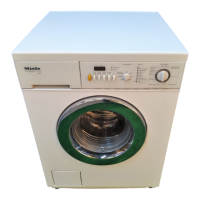
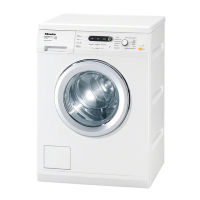
Control panel
a Programme buttons with indicator
lights
For selecting a washing programme.
b Extra option buttons with indicator
lights
Various Extra options can be added
to the washing programmes.
c PC / Optical interface
This is used by service technicians
to run diagnostic checks on your
machine and can also be used to
update programming data in the
future.
d m button
For selecting delay start and
setting the time of day.
e Display with – , OK, + and
Load/Detergent buttons
See the following page for more
details.
f Start/Stop button
For starting the programme selected
and cancelling a programme once it
has started.
g I-On/0-Off button
For switching the washing machine
on or off.
h Door button
Opens the machine door.
Description of the machine
9



 To Next Page