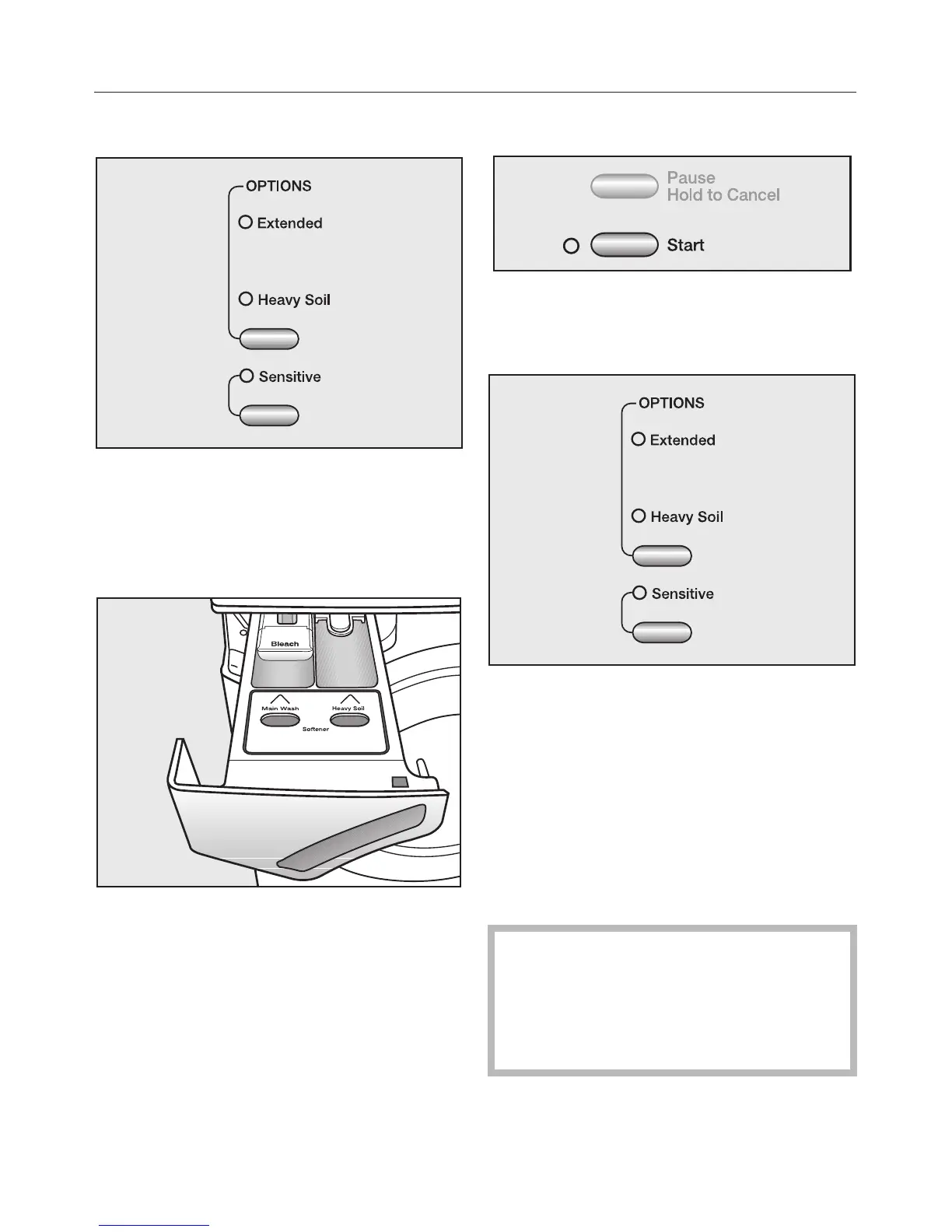
5. Select an Option
^
Select the desired "OPTIONS". Press
the upper button until the indicator/s
of the desired option light/s.
6. Add detergent
^
Add detergent in the respective
compartments.
7. Start a program
^
Tap the flashing "Start" button.
8. Activate the Child Lock
^ Press the "OPTIONS" button until the
"FAULT" indicator "Child Lock" lights.
^
Deactivate the Child Lock after the
program has finished.
9. Unload the laundry
^
Open the drum door.
^
Remove the laundry.
Check the drum for any missed
pieces of laundry. Items
inadvertently left in the washer may
be damaged (e.g. shrink or discolor)
during the next wash cycle.
Quick guide



 To Next Page