The Settings menu is used to alter the
washing machine's electronics to suit
changing requirements.
Settings can be altered at any time.
To open the Settings menu
^
Switch on the washing machine.
^
Turn the progamme selector to
Further programmes/Settings 4 until
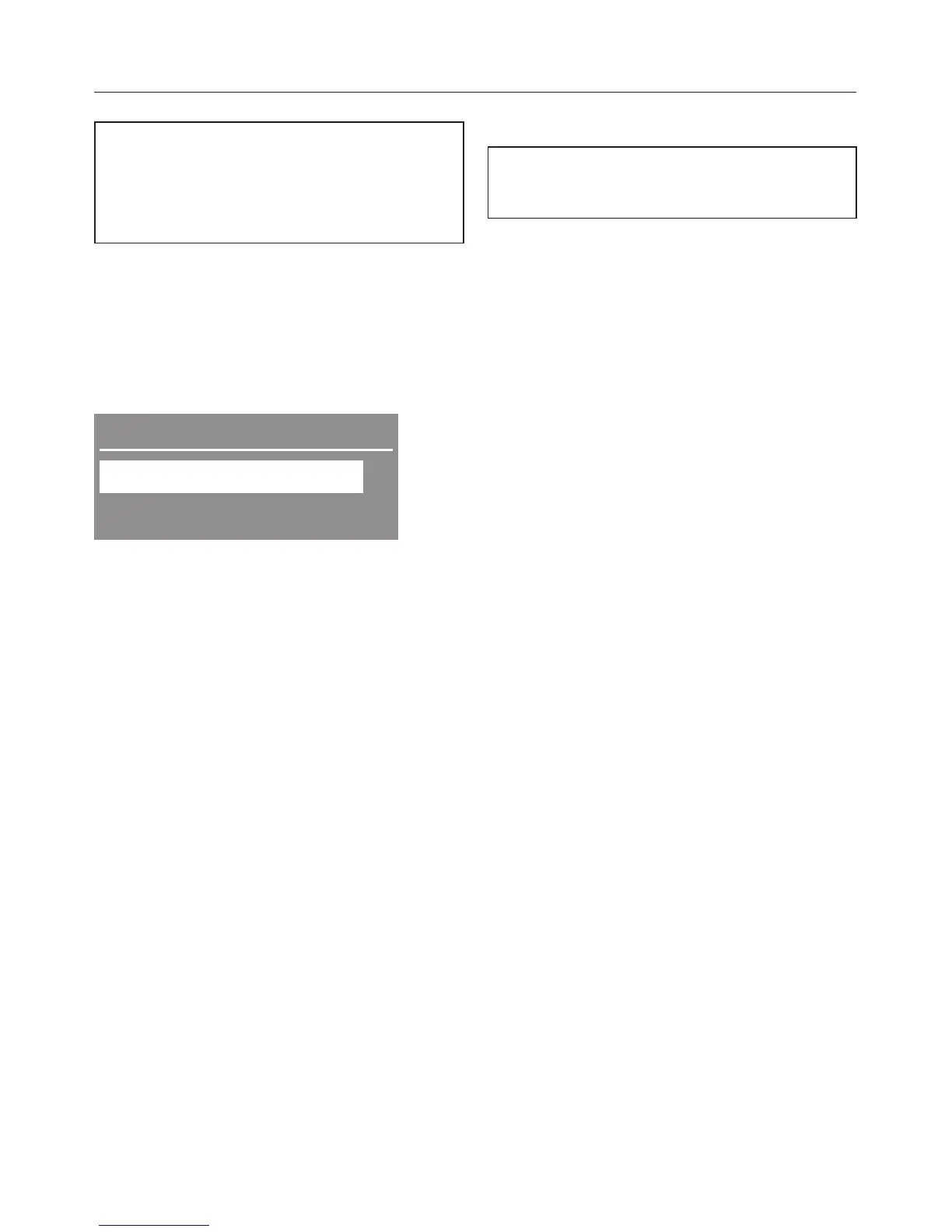
the display shows:
Further programmes
Settings !
;
Dark garments ,
^ Confirm the highlighted value
Settings
! with the OK button.
Selecting settings
^ Push the X or Y button to select the
programme you want. Confirm with
OK.
To close the Settings menu
^
Select back
# or wait for 15
seconds. The display will switch
automatically back.
Language !
The display can be set to appear in
one of several different languages.
You can select the language you want
via the Language sub-menu.
The flag after the word Language acts
as a guide to prevent a language which
will not be understood from being set.
A tick L will appear beside the
language to show that it has been set.
Time
First select either a 24-hour or 12-hour
clock. You can then set the current time
of day.
Clock format
^ Select the clock format you want with
the X or Y button and confirm with
OK.
Setting the time of day
^
Select the sub menu Set the time and
use the X or Y button to set the
correct time. Confirm with OK.
Settings menu
72


 To Next Page