Settings
72
You can use the settings menu to alter
the machine's electronics to suit
changing requirements.
Settings can be altered at any time.
To access Settings
Before you begin, ensure that:
– The washing machine is switched on.
– The standard display is showing.
Touch the and sensors at the
same time.
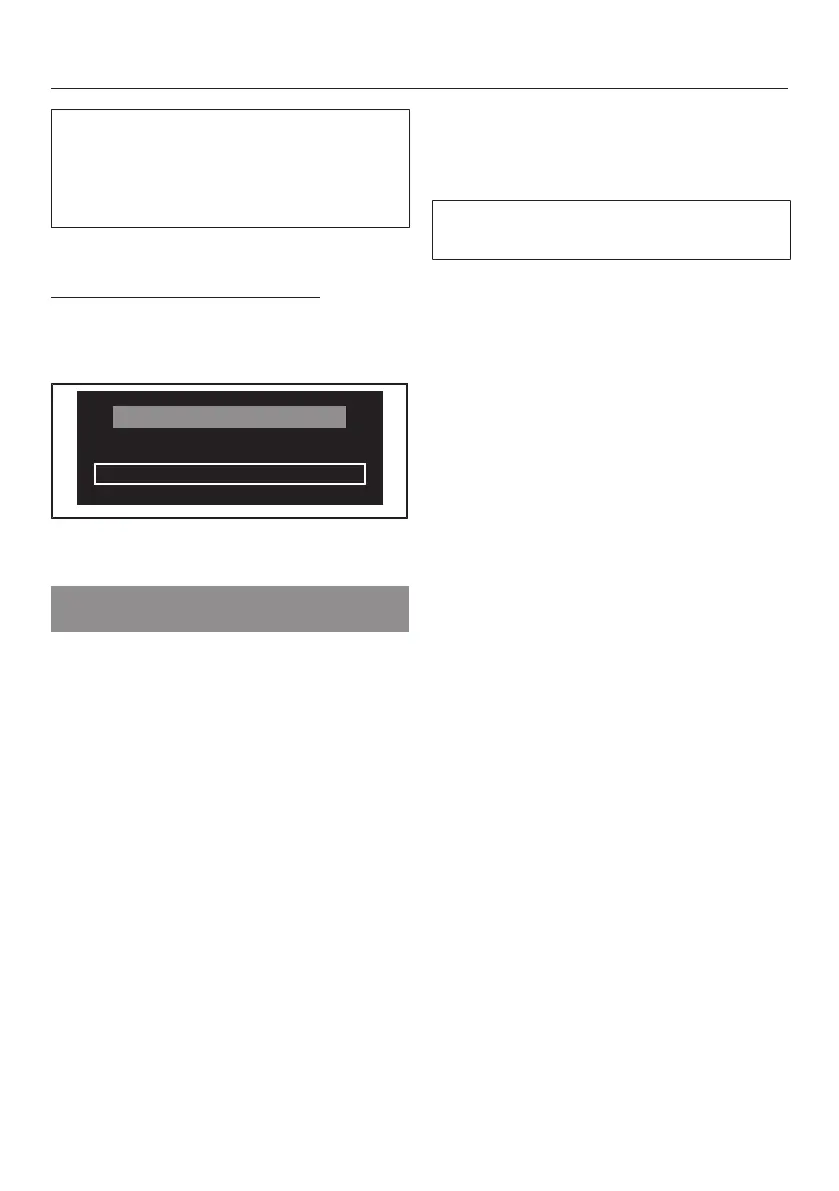
You are now in the Settings menu.
Changing a setting
Touching the sensor will call up the
different options for the setting.
The option which is selected will have
a tick next to it.
When the option you want shows in
the display touch the OK sensor to
activate it.
Exiting a setting
Touch the or sensor repeatedly
until Back appears in the display.
Touch the OK sensor.



 To Next Page