Programmable functions
73
Editing and saving a program-
mable function
You can either switch a programmable
function on/off or select different op-
tions.
Touch the or sensor control to
switch the programmable function
on/off or to select an option:
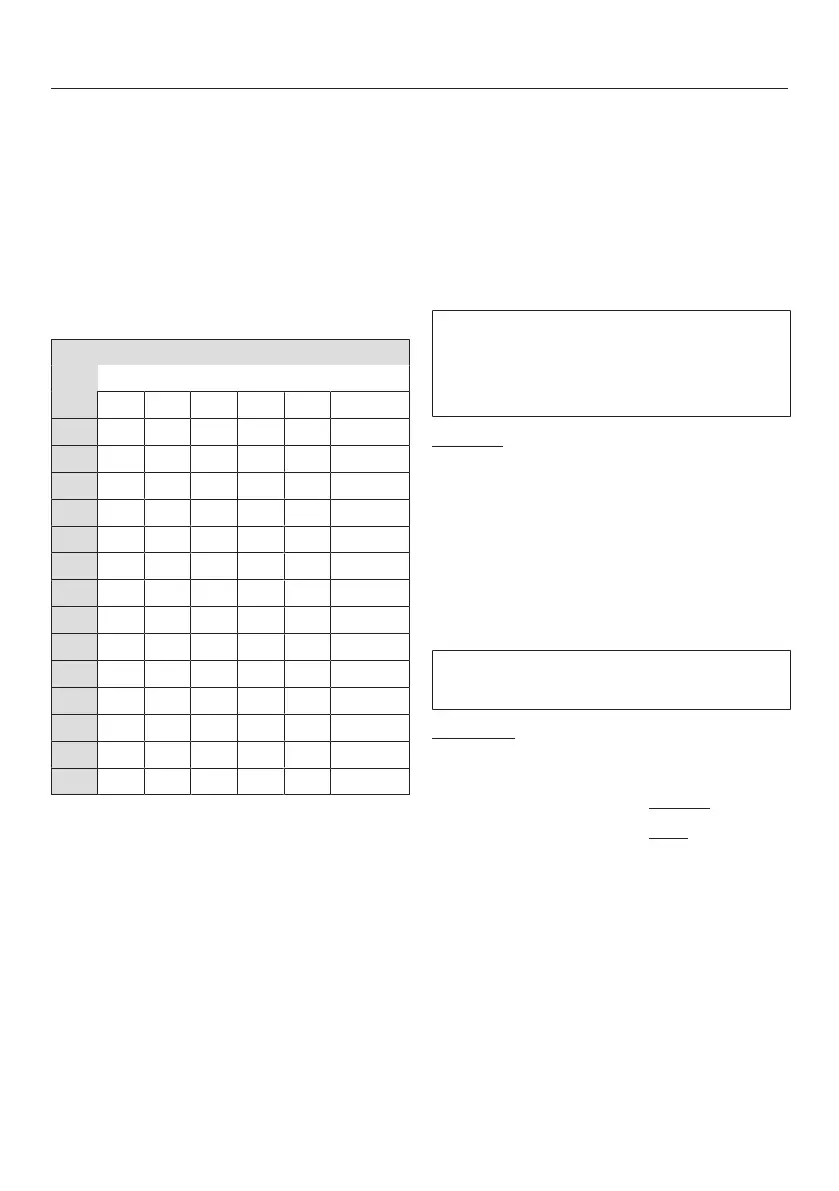
Programmable function
Available options
–
Confirm the chosen selection with
the Start/Add laundrysensor control.
The number of the programmable func-
tion, e.g., will then light up again.
Exit programming level
Turn the programme selector to .
The option you have selected is now
stored in memory. You can change it
again at any time.
Buzzer duration
The buzzer sounds to let you that it is
the end of the programme. You can
decide how long the buzzer should
sound for.
Options
= The buzzer sounds 3times at
the end of the programme.
= The buzzer sounds until the
washing machine switches off
automatically (max. 1hour).
Buzzer
The buzzer sounds to let you know the
programme has finished.
Selection
= Buzzer is switched off
= Buzzer is set to normal volume
= Buzzer is set to loud volume



 To Next Page