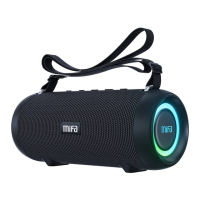
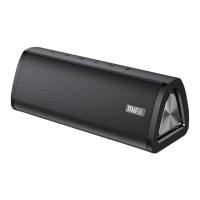
1×A10+BluetoothSpeaker
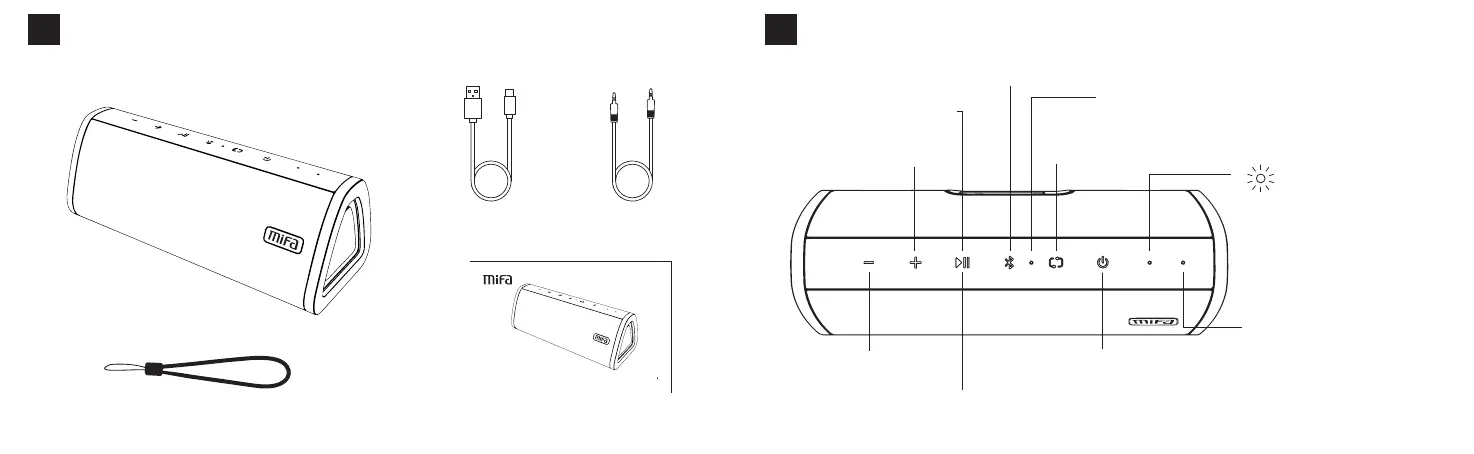
Packinglist
02
1×DetachableStrap 1×UserManual
SPE AKER
A10+
US ER MA NU AL
1×USBType-C
ChargingCable
1×3.5mmAudioCable
English
KeysFunctions
03
ShortPress:Increasevolume
LongPress:Playnextsong
ShortPress:Decreasevolume
LongPress:Playprevioussong
ShortPress:Playorpause
CallAnswerButton:Shortpressto
answerorhangup;longpresstoreject.
BluetoothButton:Pressandholdthebuttonfor2secondstodisconnectthe
paireddeviceandthespeakerenterspairingmode.Shortpressitagainto
reconnectittothelast-connecteddevice.
PlayModeButton:Shortpressittoplaysongsrandomlyandtheindicator
flashes;pressagaintoputasongonrepeatandtheindicatorstayson;press
againtoplayallthesongsinaloopandtheindicatorturnsoff.
PowerButton:Pressandholdthebuttonfor2secondstoturnonor
turnoff;pressandholdthebuttonfor8secondstoreset.
ModeButton:Shortpresstoswitchthemodeinthepowered-onstatus
IfitisinsertedwithaMicroSDcard,anUSBflashdriverandanaudiocable,
modesswitchinturns:Bluetoothmode→MicroSDcardmode→USBflash
drivermode→Aux-inmode
Whitelightflashesafterpoweredon
Whitelightstaysonafterconnected
toadevice
Whitelightstaysonwhileplaying
Whitelightflashesslowlywhen
playingispaused
Whitelightflashesrapidlyatthe
max/minvolume
LEDIndicator
IndicatorofPlayMode(microSDcardorUSBflashdriver
shouldbeinserted)
Built-inMicrophone
English


 To Next Page