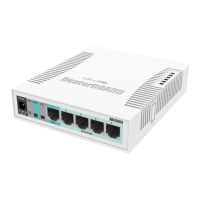
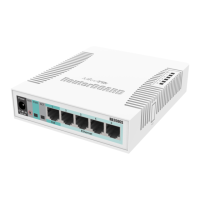
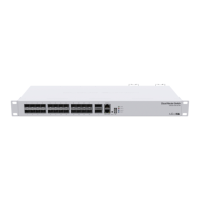
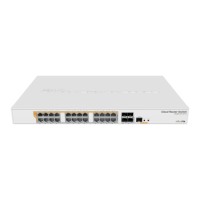
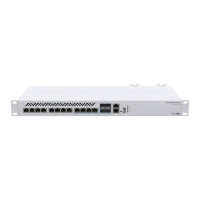
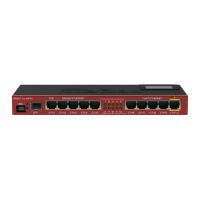
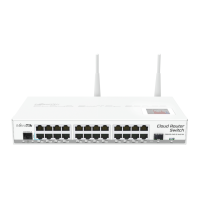
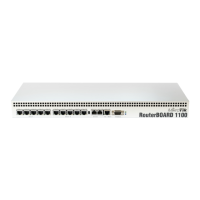
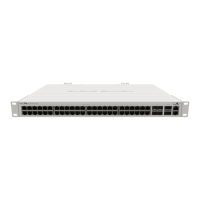
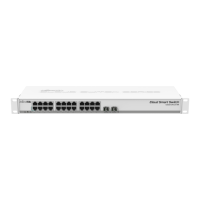
13x Gigabit Ethernet ports, supporting automatic cross/straight cable correction (Auto MDI/X), so you can use either straight or cross-over cables
for connecting to other network devices. ETH13 port accepts PoE power, and can be used to boot the device from the network for reinstalling with
the Netinstall utility (see documentation)
DB9 RS232C asynchronous serial port
microSD slot
2x M.2 slots, accepting SATA type M.2 SSD disks in 2280 form factor (only Dx4 model)
2x 2.5 inch SATA connectors, accepting standard 2.5" SATA HDD disks (only Dx4 model)
Buttons and jumpers
The reset button has the following functions:
Hold this button during boot time until LED light starts flashing, release the button to reset RouterOS configuration.
Or Keep holding the button for 5 more seconds until LED turns off, then release it to make the RouterBOARD look for Netinstall servers
connected to its first Ethernet port.
The bypass switch allows binding ports 11 and 12 together in bypass mode, which means that if the device loses power, the ports will be connected
together, allowing data pass from one port to the other, as if the device would not be there.
Regardless of the above option used, the system will load the backup RouterBOOT loader if the button is pressed before power is applied to the device.
Useful for RouterBOOT debugging and recovery.
Operating system support
The device supports RouterOS software with the version number at or above what is indicated in the RouterOS menu /system resource. Other operating
systems have not been tested.
Safety Notice
Electric shock hazard. This equipment is to be serviced by trained personnel only.
Federal Communication Commission Interference Statement
This equipment has been tested and found to comply with the limits for a Class A digital device, pursuant to Part 15 of the FCC Rules.
These limits are designed to provide reasonable protection against harmful interference in a commercial installation.
This equipment generates, uses, and can radiate radio frequency energy and, if not installed and used in accordance with the instruction manual, may
cause harmful interference to radio communications. Operation of this equipment in a residential area is likely to cause harmful interference in which case
the user will be required to correct the interference at his own expense.
FCC Caution: Any changes or modifications not expressly approved by the party responsible for compliance could void the user's authority to operate this
equipment.
This device complies with Part 15 of the FCC Rules. Operation is subject to the following two conditions: (1) This device may not cause harmful
interference, and (2) this device must accept any interference received, including interference that may cause undesired operation.
Note: This unit was tested with shielded cables on the peripheral devices. Shielded cables must be used with the unit to ensure compliance.
Recommended are SATA3 M.2 2242mm/2260mm/2280mm B+M key SSD disks with a capacity of up to 1TB.
To avoid pollution of the environment, please separate the device from household waste and dispose of it in a safe manner, such as in
designated waste disposal sites. Familiarize yourself with the procedures for the proper transportation of the equipment to the designated
disposal sites in your area.



 To Next Page
 Loading...