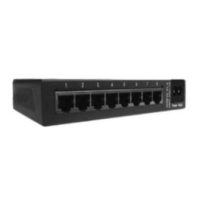
Need help?
Do you have a question about the MiLAN MIL-S800 and is the answer not in the manual?
Provides a high-level overview of the MIL-S800 switch and its capabilities.
Lists the main features and technical specifications of the MIL-S800 switch.
Details all the components included in the product package for the user.
Describes the front and rear panels, including ports and indicators.
Guides the user through the initial setup and placement of the switch.
Explains the function and meaning of each LED indicator on the switch.
Illustrates a simple network setup using the switch as a standalone device.
Shows how to cascade the switch with other hubs or switches.
Addresses common problems related to the switch's power supply and indicators.
Provides guidance on checking network cable types and connections for proper function.
Lists general technical standards and features of the MIL-S800 switch.
Details the performance metrics like data transfer rates and MAC table size.
Outlines the physical dimensions, operating temperature, and environmental compliance.

 To Next Page
 General