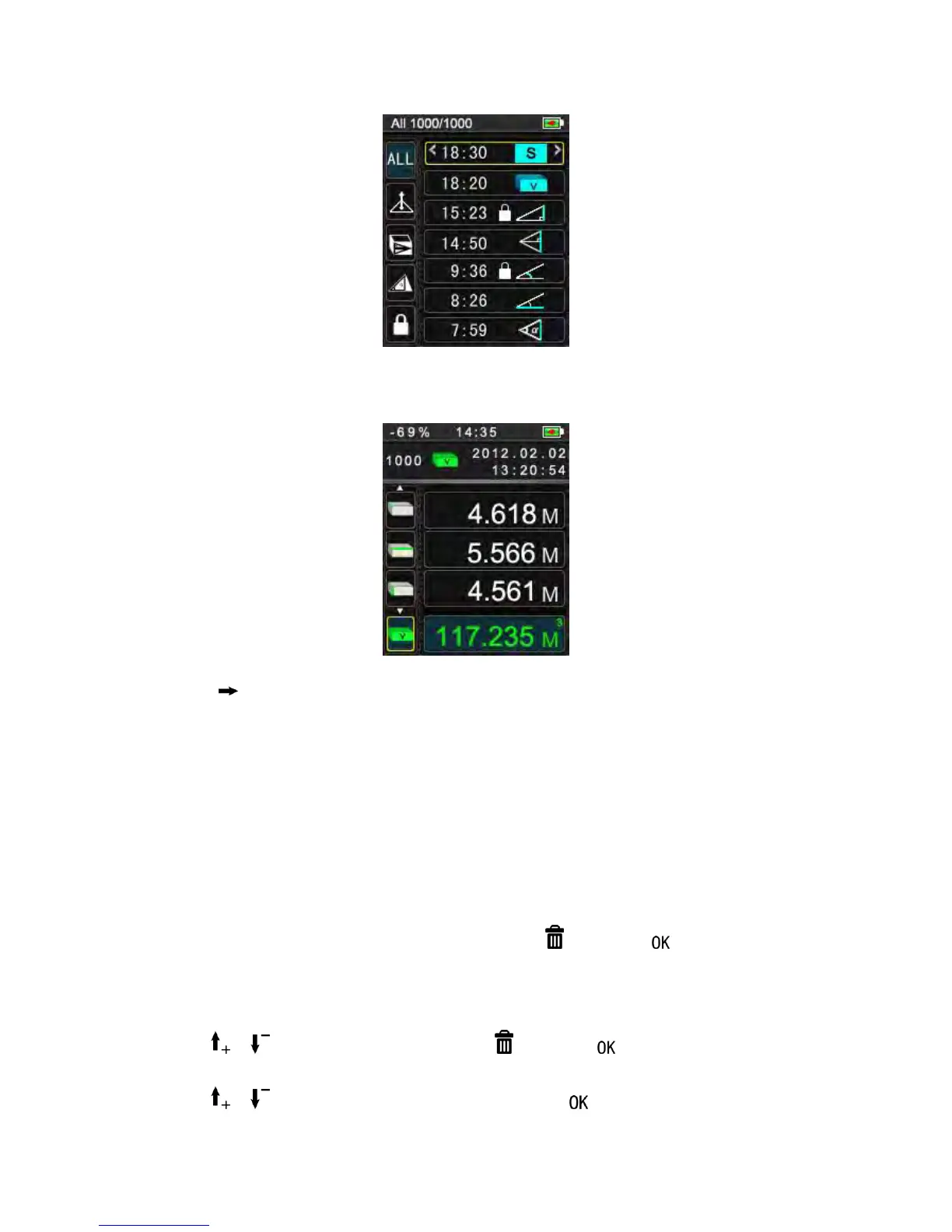
2) View detail record
Press to read detail informaton of this record, including data type
(locked/unlocked) ,no.of order all data, date, time, measurement function, measurement
types , corresponding result, additional information,
For example, in function of volume measuemnt, additional infomration such as
ceiling/floor area , surface area of the walls , circumference displays.
3) Historical record delete
Batch records delete:
When cursor select one of measurement type, Press , then press to delete all the
historical records belonging to this measurement type.
Single record delete:
Press or to browse the record then Press , and press to delete the record.
Press or to browse the record then repeatedly press to loock and unlock the


 To Next Page