5. Measuring
In measuring mode, user can press to delete the current measured data and
re-measure.
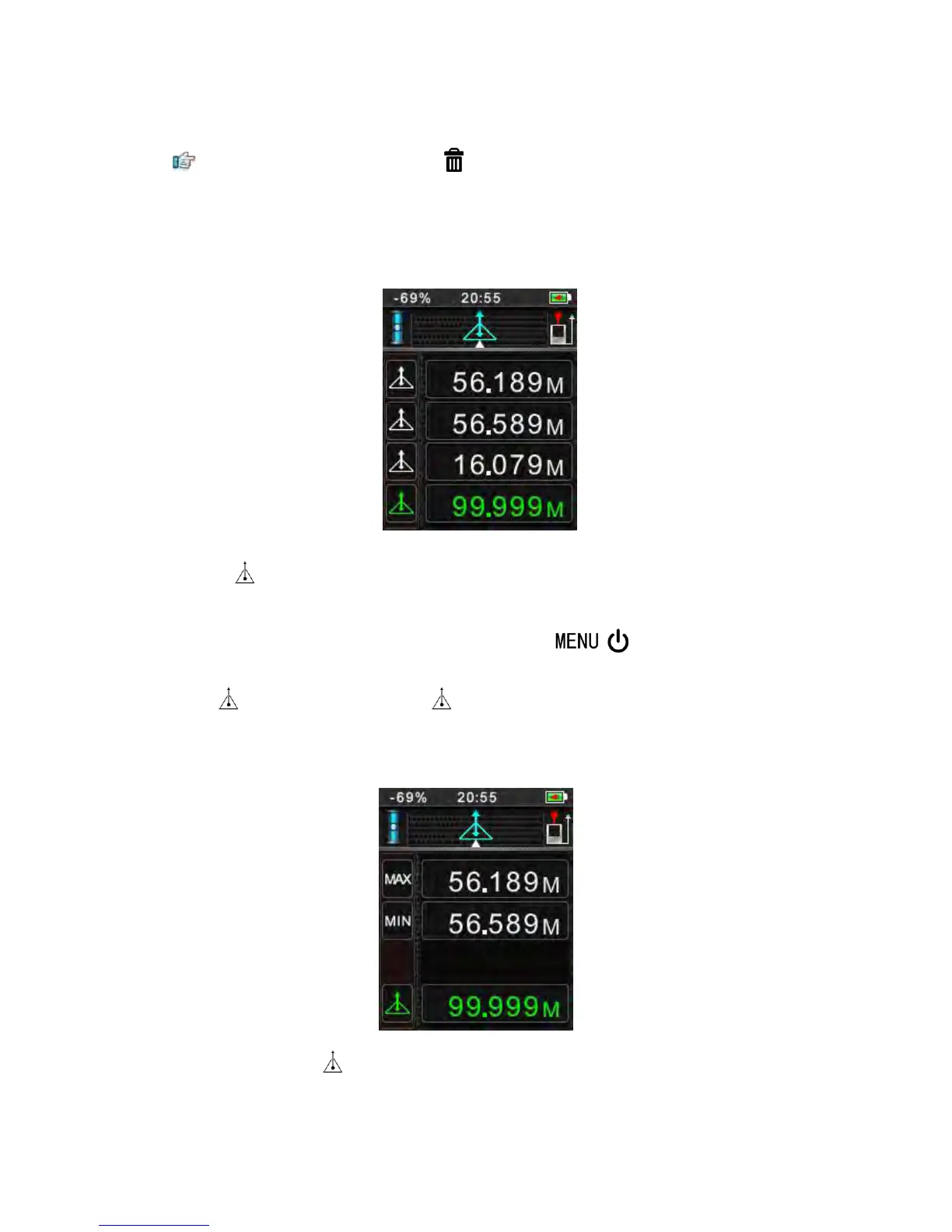
1) Single Measuring
Following 3 entries lead to single measurement function (see figure)
Press key to start-up, and directly go to the interface of single measuring
It will be back to this mode after completing measurement every time.
User will be back to single measuring mode by press one or more times in
menu setting interface.
Press to activate the laser. Press again to trigger the distance measurement. The
result is displayed immediately.
2) Continuous Measuring
Press and hold down the key until hear "beep" to activate continuous measurement.
This function enable user to measure the minimum or maximum distance from a fixed


 To Next Page