EasyManua.ls Logo

MILL Silent Pro Series - Mill Silent Pro Compact Controls and Modes

MILL Silent Pro Series
40 pages
Print Icon
To Next Page IconTo Next Page
To Previous Page IconTo Previous Page
Loading...
10 millnorway.com
EN
NOTE! The Filter change status symbol is always visible (when the display is lit).


Power ON/OFF
Short press the power button to turn on or off the device
Mode

Fan levels



levels. Please note that the fan level lights also indicate the air quality as colors described

Enter Boost mode

Boost level
Enter Sleep mode

Enter/Exit change brightness mode
This option is only possible using the app
Enter/Exit child lock


Activate WiFi

Access point


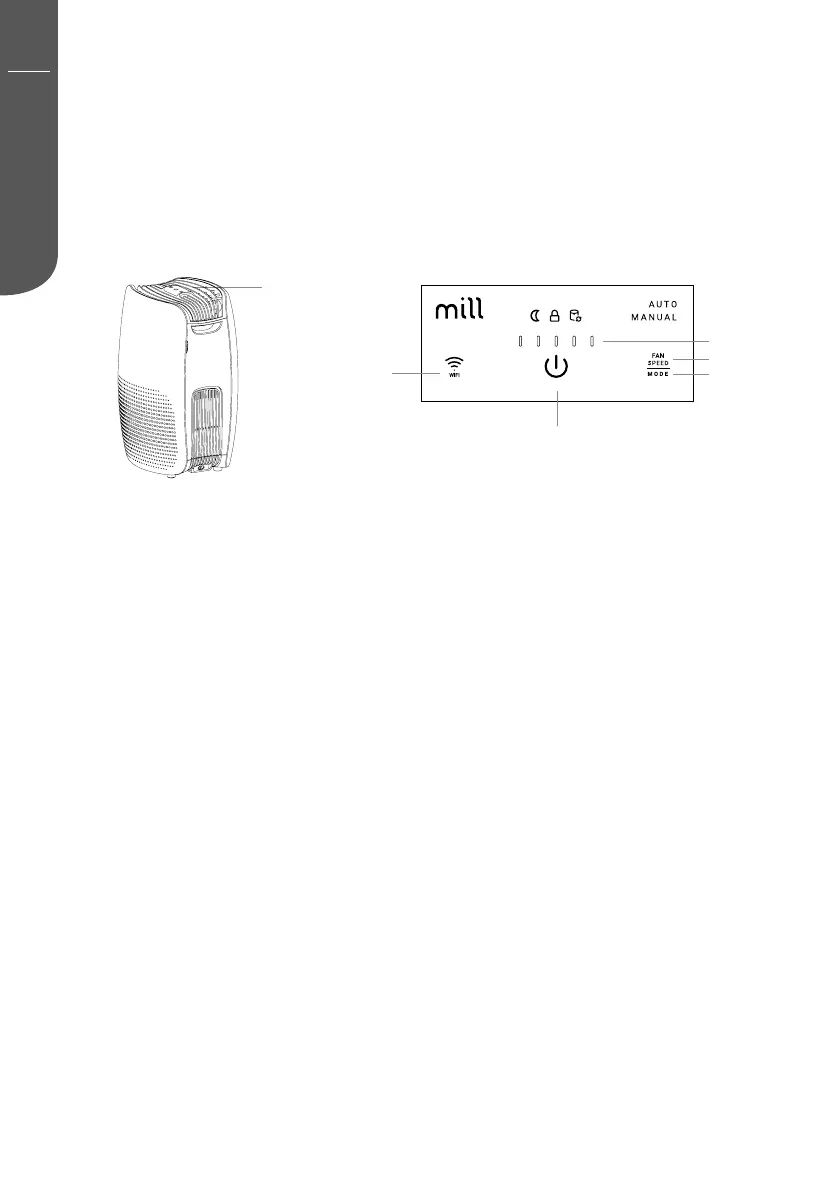
Touch display

before use
WiFi button
Power button
Mode button
Fan levels
IAQ status