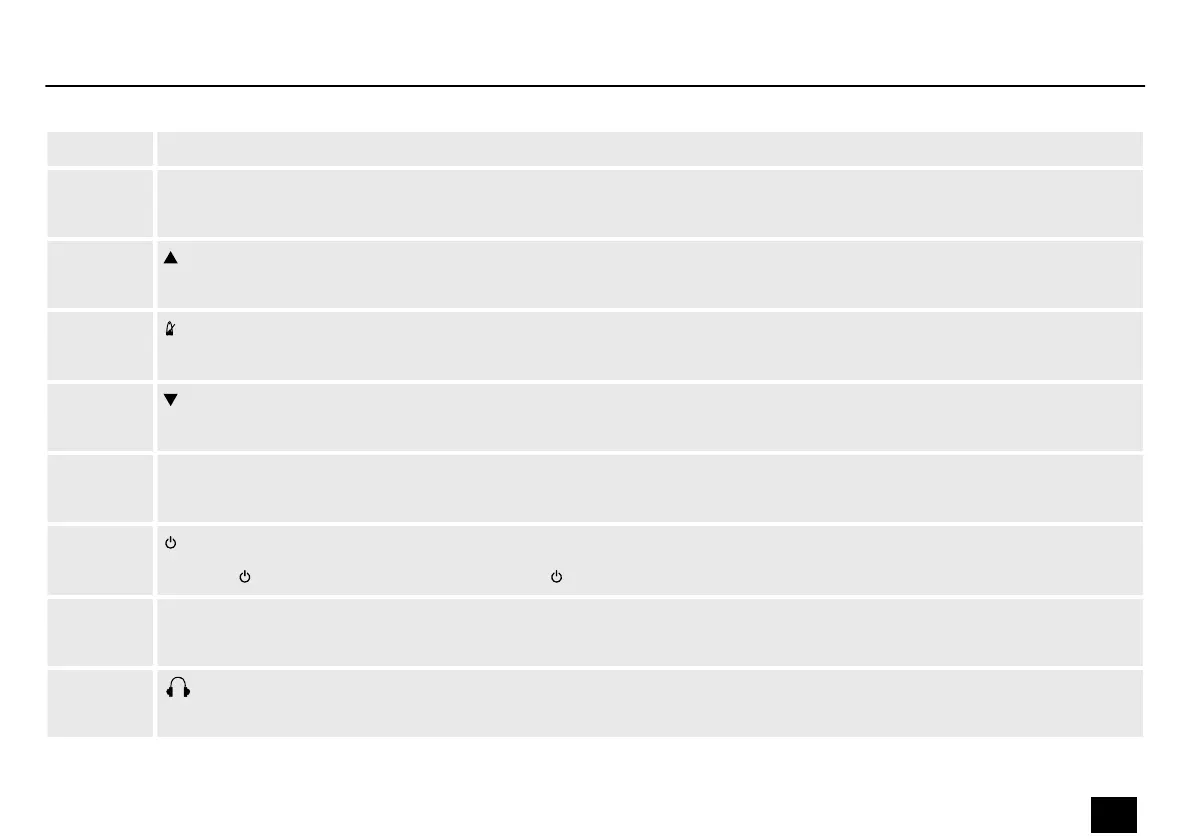
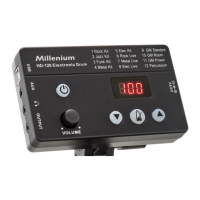
1 Display
2 [DC 9V]
Connection socket for the power adapter
3
Selects an option or sets a value.
4
Turns the metronome on and o.
5
Selects an option or sets a value.
6 [VOLUME]
Volume control. Controls the volume of the drum kits.
7
Pressing turns the device on. Holding down turns the device o.
8 [OUTPUT]
Line output for external audio devices, designed as 3.5 mm jack socket
9
Headphones output, designed as 3.5 mm stereo jack socket.
Connections and controls
HD-120
15
E-Drum Module


 To Next Page