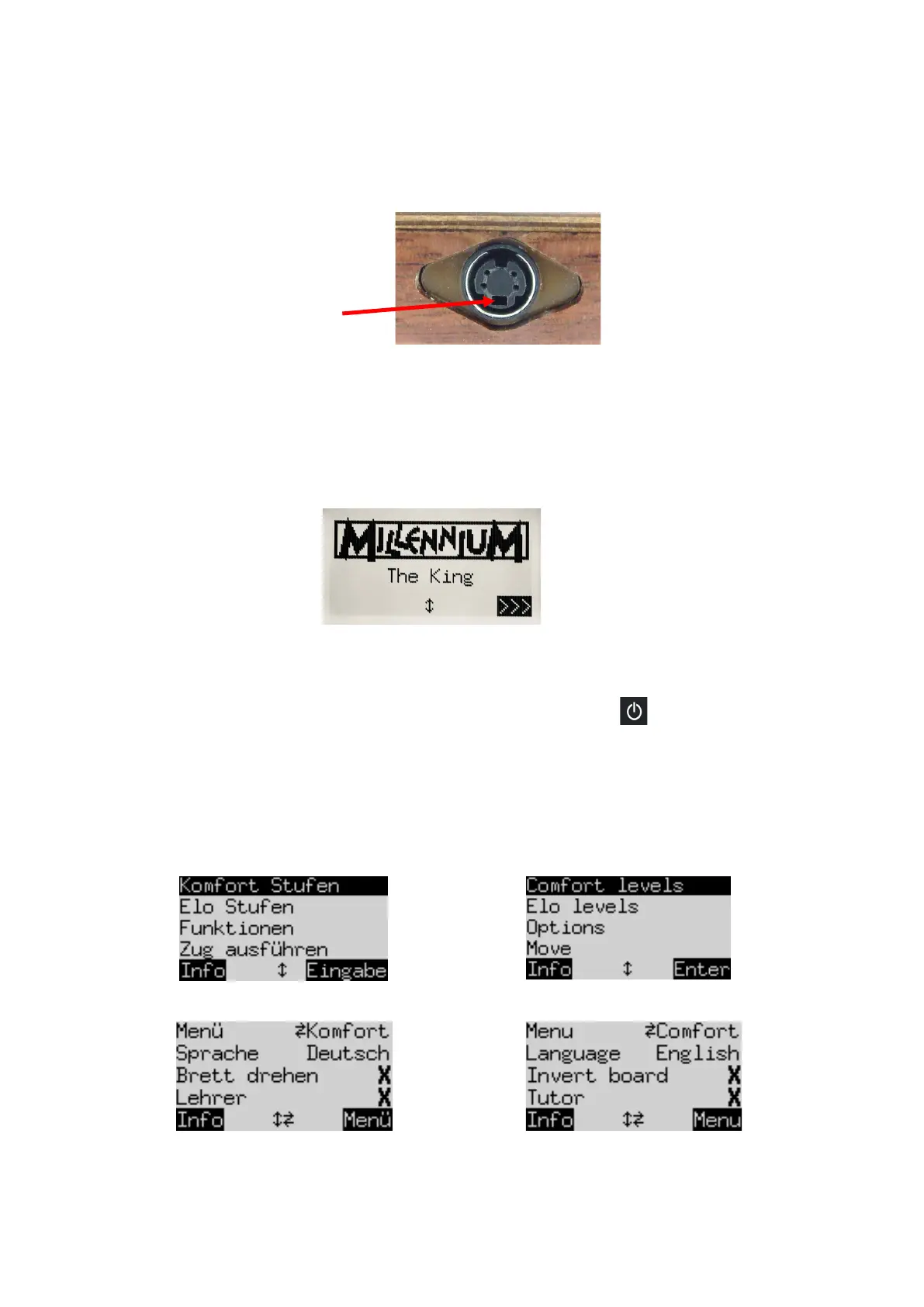
2. The cable with identical connectors at both ends (also supplied with the MILLENNIUM M820 board) is
for connecting the computer unit to the chessboard. Please handle it carefully – note that each
connector must be the right way up when you insert it into its socket. The connector has four narrow
pins and one wider pin. Turn the connector so that the wider pin is at the bottom, to enable it to fit
precisely into the openings in the socket. The wider opening in the socket is indicated by the arrow in
the illustration below:
3. Plug the cable into the socket on the right-hand side of the MILLENNIUM chessboard, and also into
the left socket on the rear of the computer unit.
4. Connect the AC adaptor to a power supply. A sound signal is emitted.
2.2 Selecting the Chess Engine
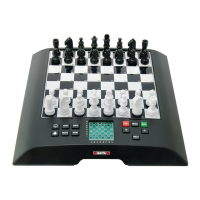
After switching on the unit, select which chess engine you want to play with. You will see the following
display:
Pressing a GREEN button selects the King Program and displays its “
Comfort
” menu.
If instead you press or and
then
GREEN, you go to the main menu of the ChessGenius Program.
If you want to change the engine again later, simply press the ON/OFF button and then a RED button
(for ENGINE, see figure in section 2.8), and you will return to the initial screen as shown above.
2.3 Selecting the language with The King
When you first acquire it, the computer is set to operate in English. If you want to change the language, you
have to select “Options” in the “Comfort” menu, where you can see the Language selector in the second line.
German: English:
German: English:
One line of the screen contains a flashing character ( ▋); this is the cursor. By repeatedly pressing or ,
you can move the cursor up and down and display all the functions one after the other. Move it to “
Language”
and select the desired language with the / buttons.


 To Next Page