3
The power socket should be located close to the device
and should be easily accessible.
The device should not be connected to more power
sources than recommended.
The electrical contacts must not be short-circuited.
Always disconnect the adaptor from the mains before
cleaning the device.
Regularly check the product and the mains adaptor for
damage, and do not use either of them if they are
damaged. Never open them up.
Please follow the safety instructions on the AC adaptor.
2 Control elements
On the front:
Red LED is lit up: ChessLink
is switched on.
Green LED is lit up:
ChessLink is connected to a
Bluetooth-enabled receiver.
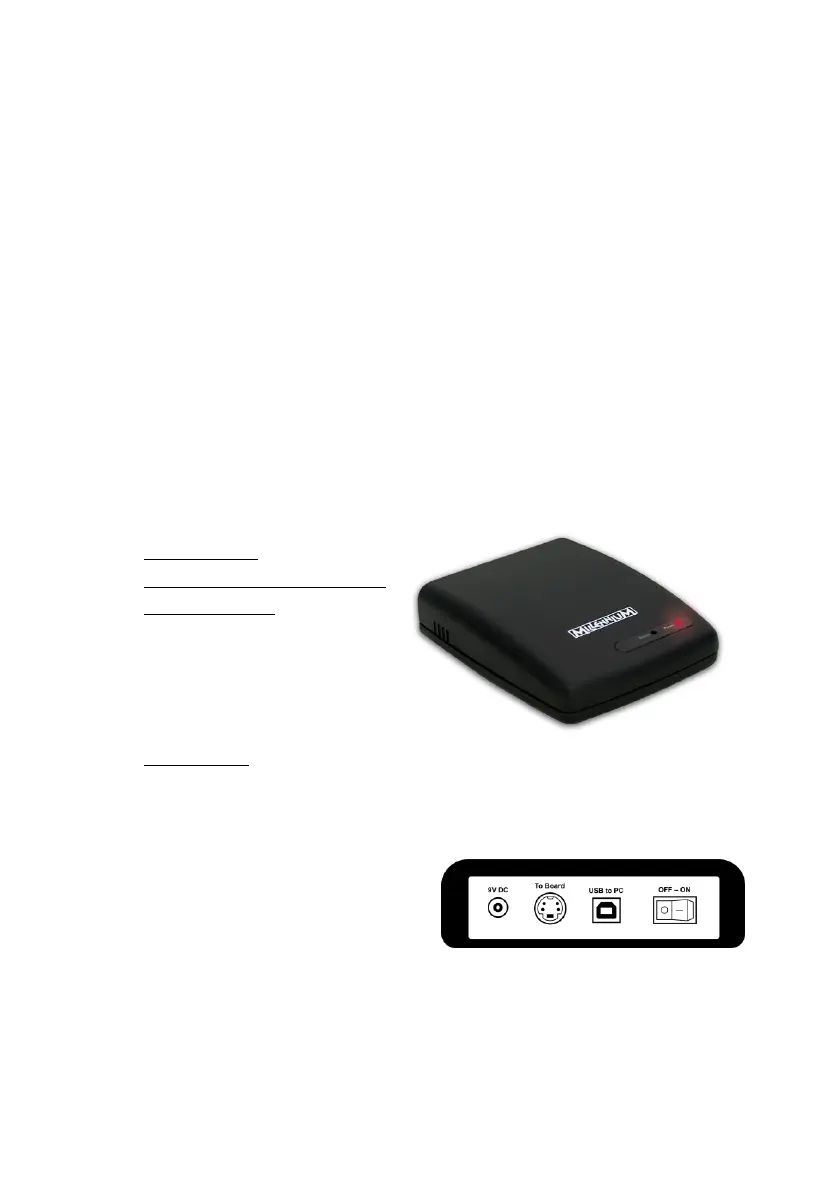
On the rear:
9 V DC: Socket for the mains adaptor. Only use the mains
adaptor supplied with your ChessGenius Exclusive.
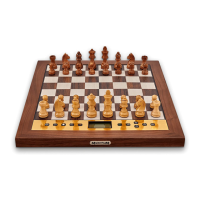
Board: Socket for the mini-DIN connection cable for your
ChessGenius Exclusive
USB: Socket for a USB cable
OFF/ON: On/off switch


 To Next Page