EasyManua.ls Logo

Miller Auto Deltaweld 452 - User Manual

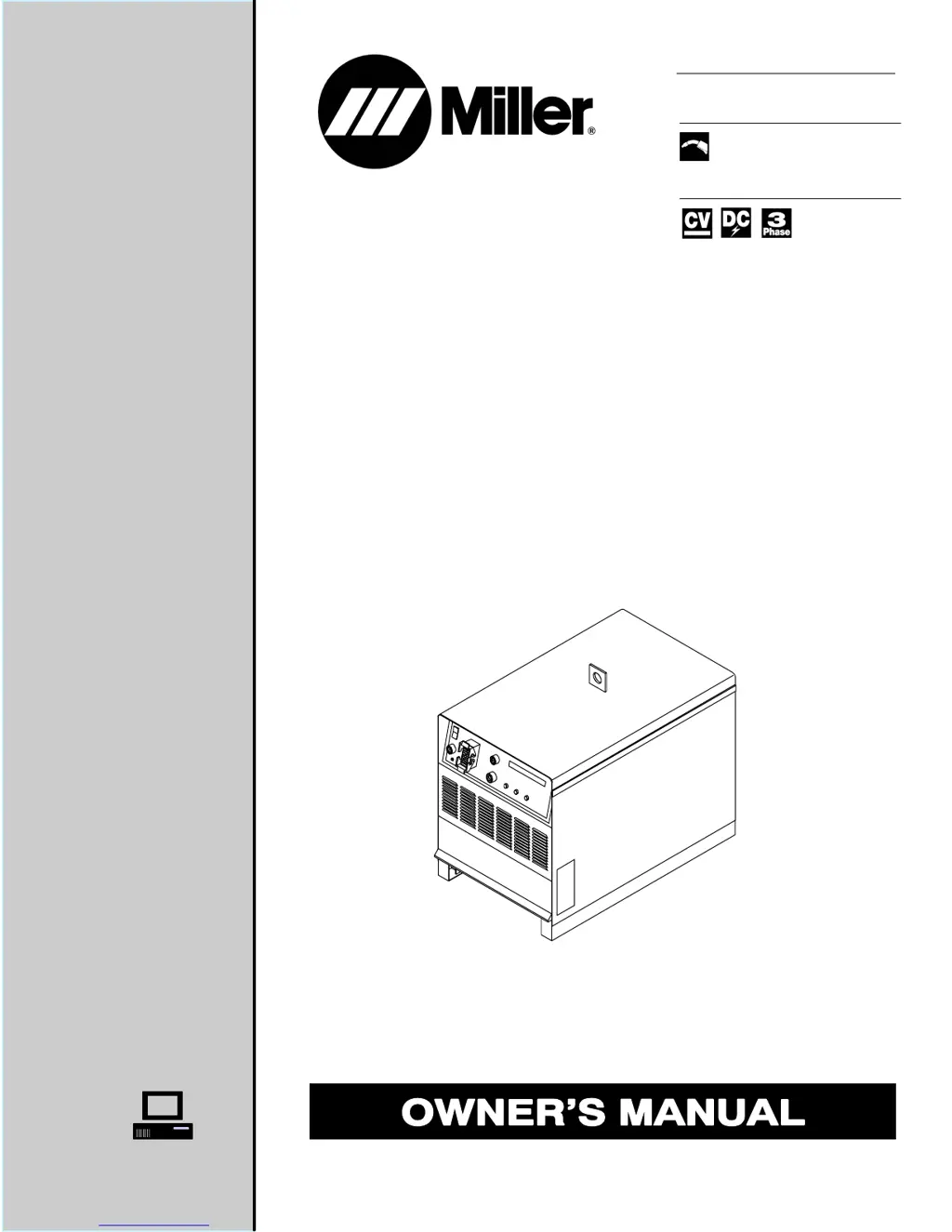
Miller Auto Deltaweld 452
72 pages
Print Icon
To Next Page IconTo Next Page
Loading...
OM-203 860G
July 2003
Visit our website at
www.MillerWelds.com
Processes
Description
Gas Metal Arc (MIG) Welding
Arc Welding Power Source
Auto Deltaweld
452
R

Table of Contents

Questions and Answers

Summary

SECTION 1 - SAFETY PRECAUTIONS - READ BEFORE USING

1-1. Symbol Usage

Explains the meaning of safety symbols used in the manual for hazard identification.

1-2. Arc Welding Hazards Overview

Details potential hazards associated with arc welding processes and general safety measures.

Specific Welding Hazards

Covers dangers from arc rays, fire, explosion, gas, hot parts, noise, and flying metal.

1-3. Installation, Operation, Maintenance Symbols

Explains symbols related to installation, operation, and maintenance procedures.

Operational and Environmental Safety

Details risks from overheating, moving parts, interference, and ESD damage.

1-4. Principal Safety Standards

Lists key safety standards and codes relevant to welding and equipment use.

1-5. EMF Information

Discusses electromagnetic fields and their potential effects on the human body.

SECTION 2 - INSTALLATION

2-1. Specifications

Lists technical specifications, including voltage, amperage, and duty cycle ratings.

2-2. Duty Cycle and Overheating

Explains duty cycle percentages and measures to prevent unit overheating.

2-4. Selecting Installation Location

Provides guidelines for choosing a suitable installation location, considering airflow and safety.

2-5. Dimensions and Weights

Details the physical dimensions and weight of the unit for installation planning.

2-6. Tipping Hazard

Warns about tipping hazards when moving the unit and provides safety advice.

2-8. Connection Diagram

Illustrates the wiring connections required for robotic operation.

2-10. Electrical Service Guide

Provides guidance on electrical service requirements, including voltage and conductor sizing.

2-12. Connecting Input Power

Details the procedure for safely connecting the unit to the main power supply.

2-13. Front Panel Connections Overview

Explains the various connectors and receptacles on the front panel for peripherals.

SECTION 3 - OPERATION

3-1. Front Panel Controls

Identifies and explains the front panel controls, buttons, and indicators.

3-2. Display Functions

Explains the information displayed on the main unit display during idle and welding.

3-3. Resetting Memory

Describes the procedure for resetting the unit's memory via front panel buttons.

SECTION 4 - MAINTENANCE & TROUBLESHOOTING

4-1. Routine Maintenance

Outlines regular maintenance tasks, schedules, and safety precautions.

4-2. Blowing Out Inside Of Unit

Instructions for cleaning the unit's interior using compressed air.

4-3. Fuse F1 Check

Details the location, function, and replacement of Fuse F1.

4-4. Short Circuit Shutdown

Explains the unit's behavior during short circuit conditions and recovery.

4-5. Front Panel Error Displays

Lists and explains various error messages shown on the front panel for troubleshooting.

4-6. Weld Interface Board PC12 Diagnostic LEDs

Identifies the diagnostic LEDs on the Weld Interface Board PC12.

4-7. PC12 Diagnostic LED Explanations

Explains the status and meaning of diagnostic LEDs on PC12 for fault diagnosis.

4-8. Customer Interface Board PC14 Diagnostic LEDs

Identifies the diagnostic LEDs on the Customer Interface Board PC14.

4-9. PC14 Diagnostic LED Explanations

Explains the status and meaning of diagnostic LEDs on PC14 for fault diagnosis.

4-10. Motor Board PC13 Diagnostic LEDs

Identifies the diagnostic LEDs on the Motor Board PC13.

4-11. PC13 Diagnostic LED Explanations

Explains the status and meaning of diagnostic LEDs on PC13 for fault diagnosis.

4-12. Troubleshooting Guide

Provides a table of common troubles and their recommended remedies.

SECTION 6 - PARTS LIST

Figure 6-1. Main Assembly Parts

Shows an exploded view of the main assembly with numbered parts for identification.

Figure 6-2. Front Panel Components

Exploded view of the front panel with its components and part numbers.

Figure 6-4. Rear Panel Components

Exploded view of the rear panel and its components, including the fan.

WARRANTY

Limited Warranty Terms

Details the limited warranty terms, conditions, and exclusions for Miller equipment.

Summary

SECTION 1 - SAFETY PRECAUTIONS - READ BEFORE USING

1-1. Symbol Usage

Explains the meaning of safety symbols used in the manual for hazard identification.

1-2. Arc Welding Hazards Overview

Details potential hazards associated with arc welding processes and general safety measures.

Specific Welding Hazards

Covers dangers from arc rays, fire, explosion, gas, hot parts, noise, and flying metal.

1-3. Installation, Operation, Maintenance Symbols

Explains symbols related to installation, operation, and maintenance procedures.

Operational and Environmental Safety

Details risks from overheating, moving parts, interference, and ESD damage.

1-4. Principal Safety Standards

Lists key safety standards and codes relevant to welding and equipment use.

1-5. EMF Information

Discusses electromagnetic fields and their potential effects on the human body.

SECTION 2 - INSTALLATION

2-1. Specifications

Lists technical specifications, including voltage, amperage, and duty cycle ratings.

2-2. Duty Cycle and Overheating

Explains duty cycle percentages and measures to prevent unit overheating.

2-4. Selecting Installation Location

Provides guidelines for choosing a suitable installation location, considering airflow and safety.

2-5. Dimensions and Weights

Details the physical dimensions and weight of the unit for installation planning.

2-6. Tipping Hazard

Warns about tipping hazards when moving the unit and provides safety advice.

2-8. Connection Diagram

Illustrates the wiring connections required for robotic operation.

2-10. Electrical Service Guide

Provides guidance on electrical service requirements, including voltage and conductor sizing.

2-12. Connecting Input Power

Details the procedure for safely connecting the unit to the main power supply.

2-13. Front Panel Connections Overview

Explains the various connectors and receptacles on the front panel for peripherals.

SECTION 3 - OPERATION

3-1. Front Panel Controls

Identifies and explains the front panel controls, buttons, and indicators.

3-2. Display Functions

Explains the information displayed on the main unit display during idle and welding.

3-3. Resetting Memory

Describes the procedure for resetting the unit's memory via front panel buttons.

SECTION 4 - MAINTENANCE & TROUBLESHOOTING

4-1. Routine Maintenance

Outlines regular maintenance tasks, schedules, and safety precautions.

4-2. Blowing Out Inside Of Unit

Instructions for cleaning the unit's interior using compressed air.

4-3. Fuse F1 Check

Details the location, function, and replacement of Fuse F1.

4-4. Short Circuit Shutdown

Explains the unit's behavior during short circuit conditions and recovery.

4-5. Front Panel Error Displays

Lists and explains various error messages shown on the front panel for troubleshooting.

4-6. Weld Interface Board PC12 Diagnostic LEDs

Identifies the diagnostic LEDs on the Weld Interface Board PC12.

4-7. PC12 Diagnostic LED Explanations

Explains the status and meaning of diagnostic LEDs on PC12 for fault diagnosis.

4-8. Customer Interface Board PC14 Diagnostic LEDs

Identifies the diagnostic LEDs on the Customer Interface Board PC14.

4-9. PC14 Diagnostic LED Explanations

Explains the status and meaning of diagnostic LEDs on PC14 for fault diagnosis.

4-10. Motor Board PC13 Diagnostic LEDs

Identifies the diagnostic LEDs on the Motor Board PC13.

4-11. PC13 Diagnostic LED Explanations

Explains the status and meaning of diagnostic LEDs on PC13 for fault diagnosis.

4-12. Troubleshooting Guide

Provides a table of common troubles and their recommended remedies.

SECTION 6 - PARTS LIST

Figure 6-1. Main Assembly Parts

Shows an exploded view of the main assembly with numbered parts for identification.

Figure 6-2. Front Panel Components

Exploded view of the front panel with its components and part numbers.

Figure 6-4. Rear Panel Components

Exploded view of the rear panel and its components, including the fan.

WARRANTY

Limited Warranty Terms

Details the limited warranty terms, conditions, and exclusions for Miller equipment.

Miller Auto Deltaweld 452 Specifications

General IconGeneral
Input Voltage208/230/460 VAC
Input Frequency50/60 Hz
Duty Cycle60% at 450 A
Wire Feed Speed50 - 700 ipm
Input Phase3-Phase
Rated Output450 A at 38 V

Related product manuals