Mimo Monitors
info@mimomonitors.com
Sales: 1-855-YES-MIMO (937-6466)
7
«
MOUNTING THE DISPLAY » | 9
MOUNTING THE DISPLAY
Adjusting the Display
To avoid injuries, follow the installation instructions to safely install the display onto a wall.
It is recommended to allow a certified installation company conduct the wall mounting operation.
CAUTION: Dropping the display may cause injuries to people around it.
A wall mount may be purchased separately for easier installation.
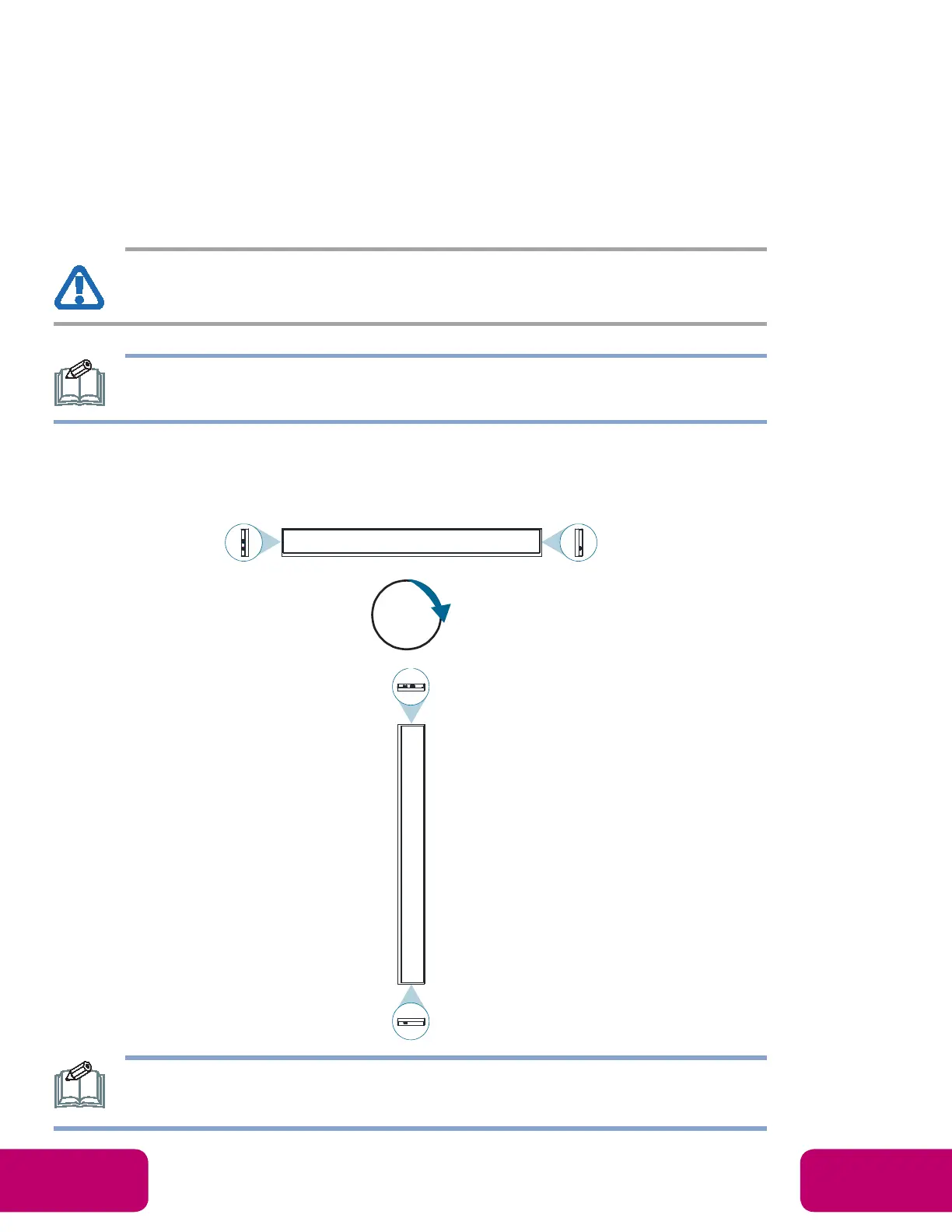
If you want to use the display vertically or horizontally, adjust the display such that the Micro-USB
port on the back of the display is pointing downward or (as illustrated below). If the display is not
mounted in such a way the display may not function properly.
Before mounting, make sure there is space to connect your devices. See
CONNECTING THE DISPLAY” on page 13.
90°



 To Next Page