IMPORTANT TIPS
◎ When the MiniBeacon connected with App over 5 minutes, it will be disconnected with App
automatically. This smart feature extends the battery lifetime and secures the device;
◎ The new value will be taken effect only by REBOOT IBEACON, otherwise MiniBecon will broadcast the
previous data all the time.
1. Start the configuration APP (Name: BeaconSET)
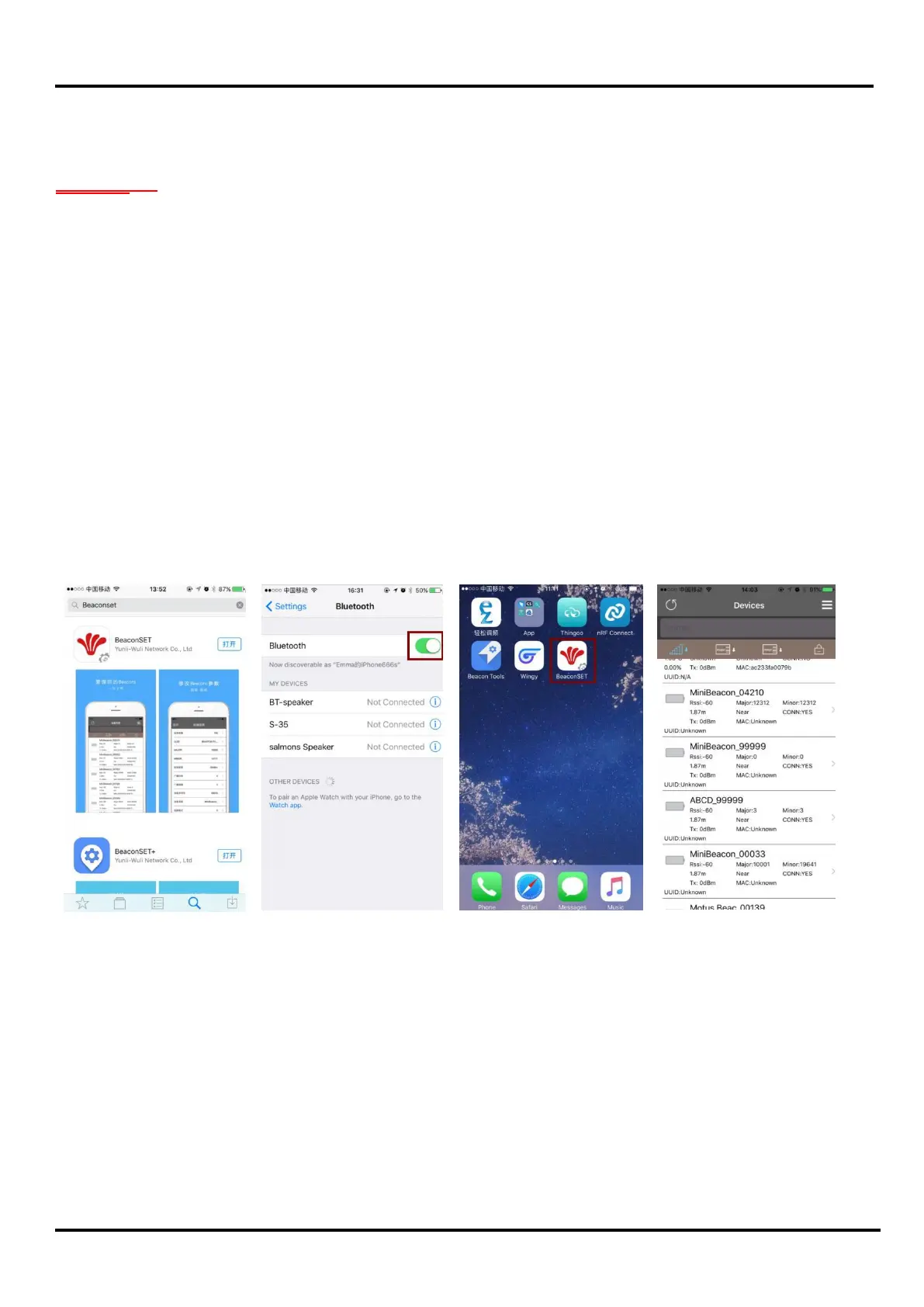
1.1 Download the APP: BeaconSET from App store or Google play, see image 1;
1.2 Turn on the Mobile Device’s Bluetooth, see image 2;
1.3 Click the icon “BeaconSET” to open the configuration APP, see image 3;
1.4 Start the BeaconSET, it detected and listed many different iBeacons as image 4;
image 1 image 2 image 3 image 4



 To Next Page