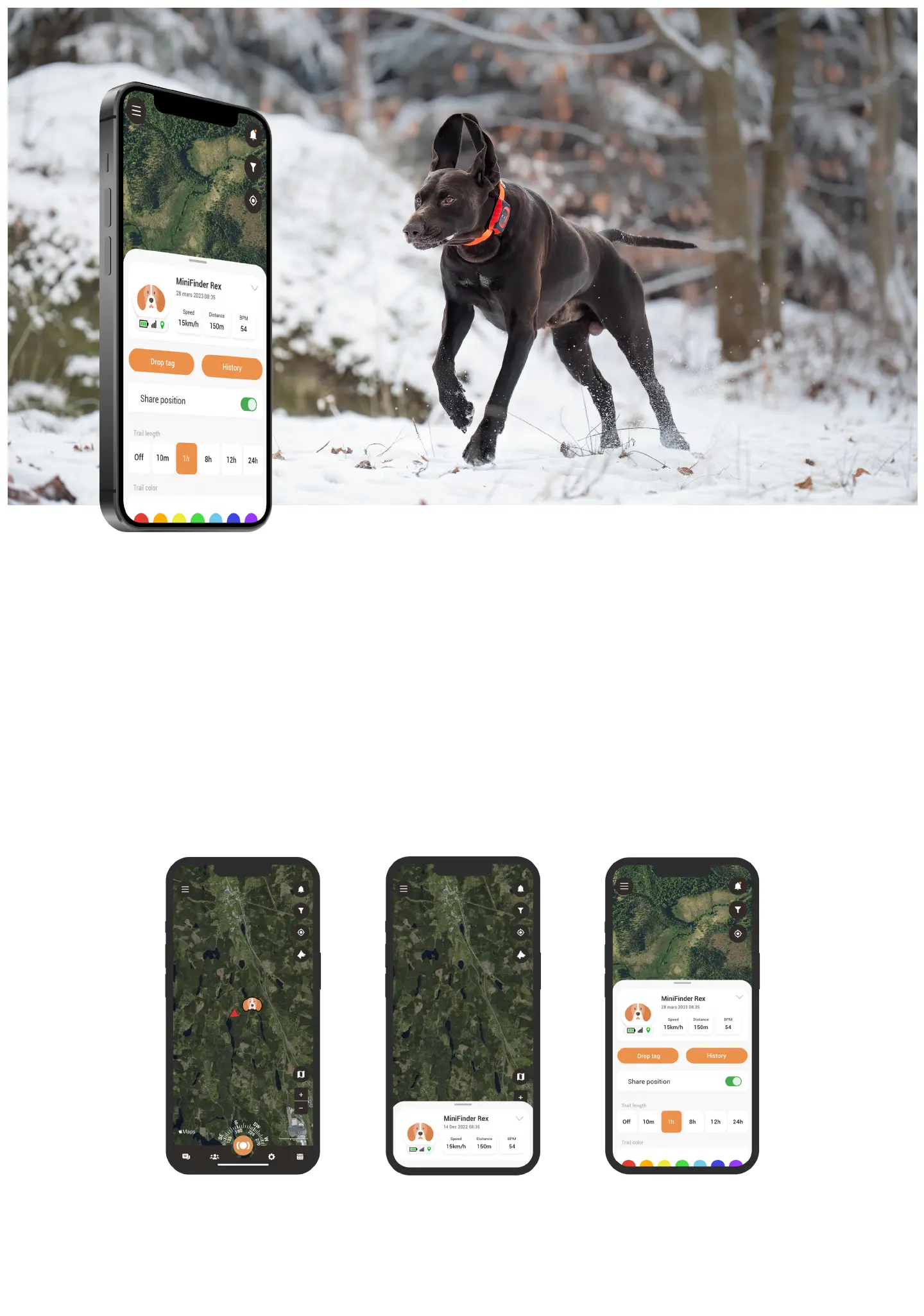
Device panel
The Device panel provides valuable insights into your dog’s movement patterns. To access it, simply click
on your dog’s prole on the map.
From here, you can identify the dog’s speed, distance and BPM, barks per minute. Share your dog’s position,
view its history and change the color of the trail. Additionally, clicking on the top section of the Device Panel,
will prompt a drop down menu that provides access to View Prole and Settings. View prole displays the
settings you entered for you dog in the previoes chapter, while Settings will be discussed in the following
paragraph.



 To Next Page