MINITECH
CNC Mini-Mill User's Guide
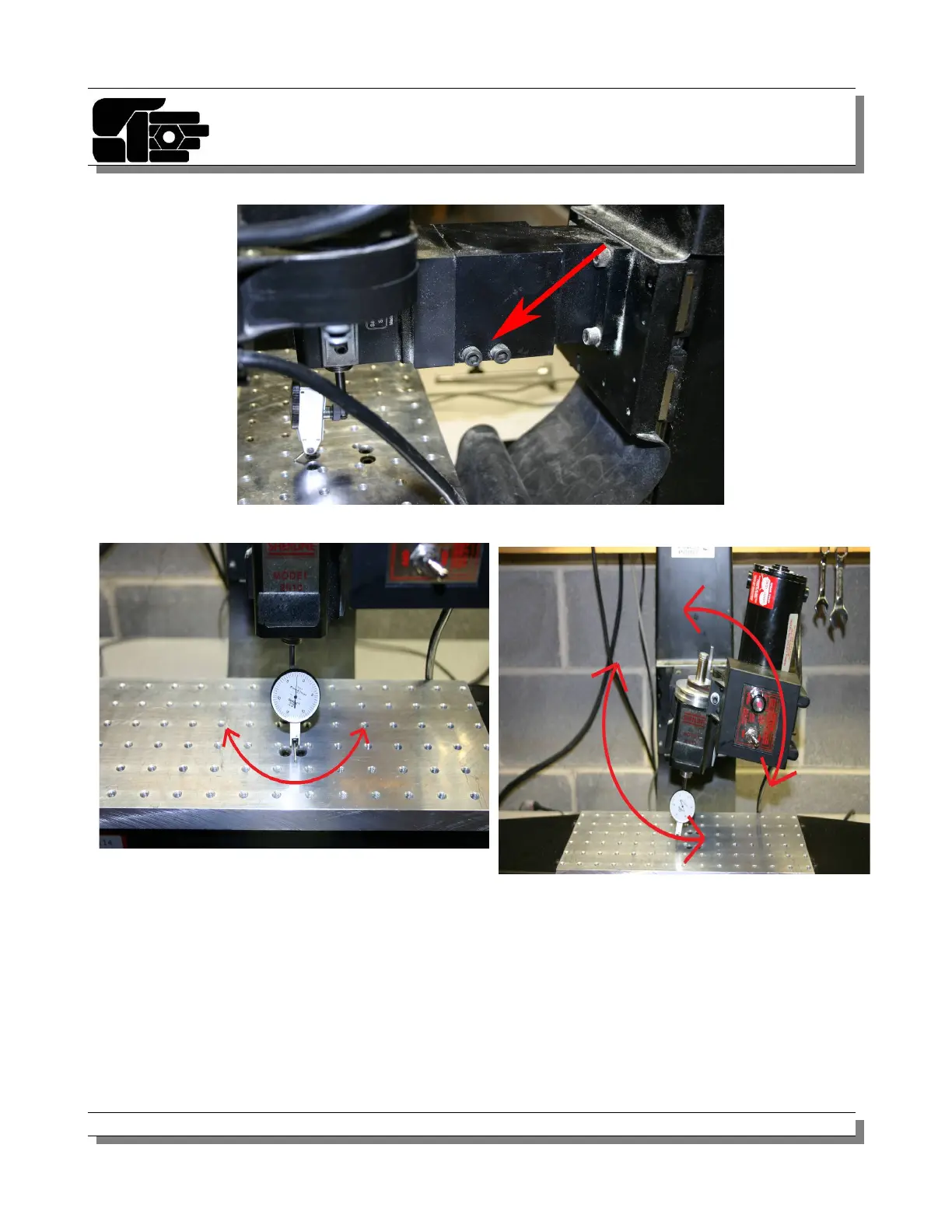
6. Orient your indicator as shown in figure 15 and zero it.
7. Now rotate the spindle with indicator in a half circle motion from front to back.
8. To adjust for this (figure 16) you will need to shim between the spindle and the mounting
plate as shown in figure 17.
9. Once done spin the spindle in a complete circle and check the indicator ideally the needle
should not move, re-shim or readjust as needed.
© 2012 Minitech Machinery Corp. 23
Figure 12
Figure 14
Figure 13



 To Next Page