AMP OPERATION E
12
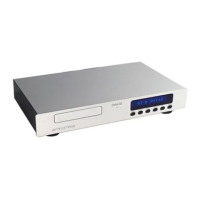
AMPLIFIER FRONT PANEL
1 DISPLAY : Provides all operational information.
2 STAND-BY : To switch the unit in and out of
Standby mode. A single bar illuminates when in
Standby mode.
3 HEADPHONE : To switch Headphones on and off.
4 MUTE : To mute the output of the amplifier.
5 MON/PRO : To switch in either MONitor or
PROcessor mode.
6/7 INPUT SELECT ! : Input selection.
8 ROTARY CONTROL : To control volume and
balance.
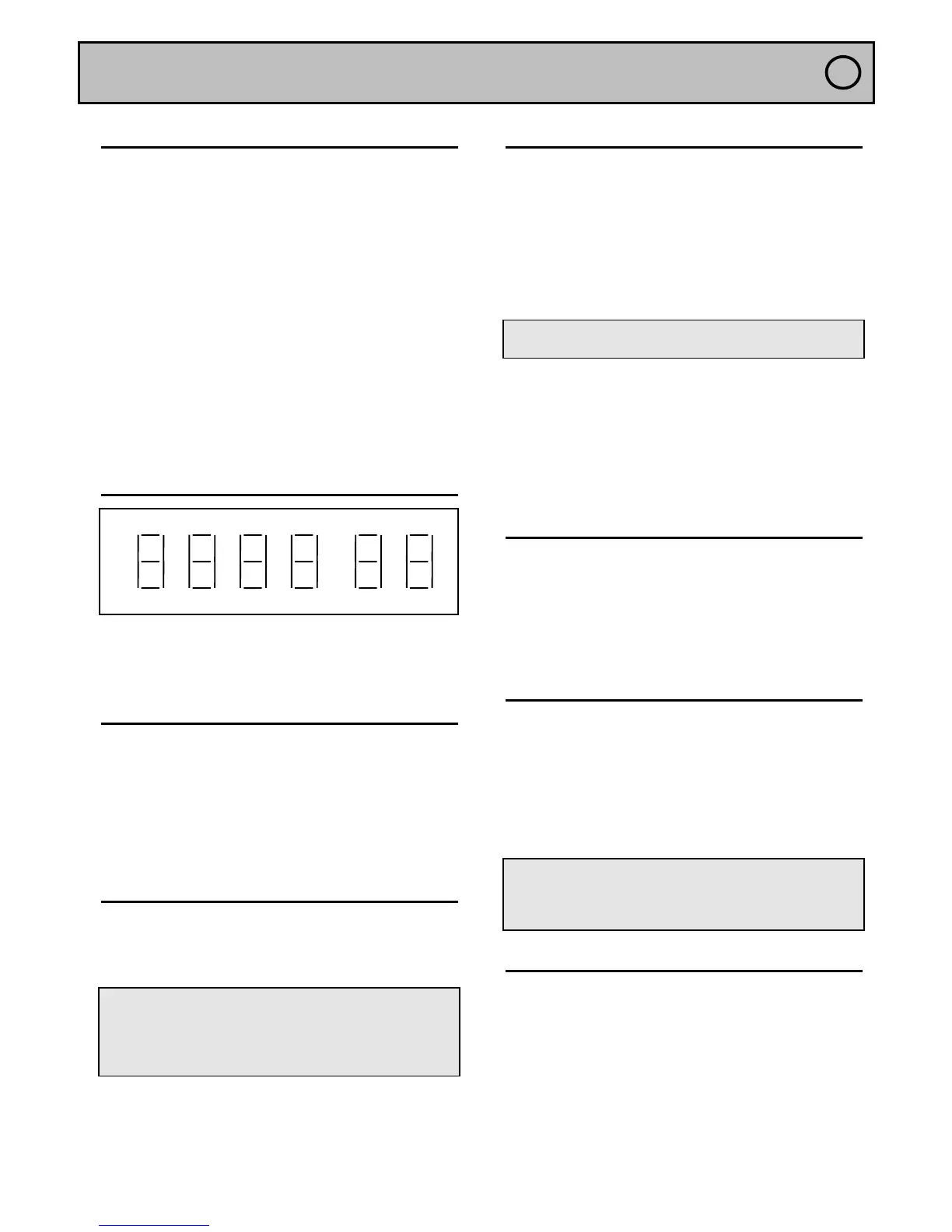
DISPLAY
The display indicates :
• On the left side the selected source.
• On the right side the volume level.
INPUT ( INPUT SELECT !)
The selection of inputs is made via the
INPUT
SELECT
!
.keys.
• In order to select your choice of input use
successive depressions of the key.
◊ The display will indicate the name of the selected
source from the following list : Pho - Cd - tun - dAC -
AU1 - AU2.
VOLUME
The regulation of volume is achieved with the rotary
control located in the centre of the front panel. The
display will indicate a level between 0 and 99.
Note : The rotary control allows access to different
speeds of volume adjustment. If you turn slowly it will
increment in single steps. Fast rotation increases the
speed of the steps. This will allow you to move to the
desired volume with great ease.
HEADPHONE OPERATION(HEADPHONE)
The headphone socket is located on the rear panel of
the unit. The headphone volume setting is
independent of the loudspeaker volume.
• Press the HEADPHONE key.
◊ the display will indicate the name of the source and
H to indicate that the headphones are in operation
along with the specific headphone volume.
Note : When headphones are in use, the loudspeaker
output is automatically disconnected.
• Headphone volume can be adjusted via the central
rotary control.
• Press the HEADPHONE key to return to
loudspeaker operation.
◊ The H indicator will disappear and the amplifier will
return to loudspeaker mode in Mute ( an M will blink ).
• Press the MUTE key to resume listening.
MONITOR (MON/PRO)
This function allows full record monitoring when
combined with a three head recording device.
• Press the MON/PRO key.
◊ The amplifier is now in Monitor mode.
• Press once again the MON/PRO key to return to
normal operation.
BALANCE (HEADPHONE)
• Press the HEADPHONE key for a period of 2
seconds.
◊ The display will indicate 0 b 0.
• Set the desired balance using the central rotary
control.
• Press again the HEADPHONE key for a period of
2 seconds to return to normal operation.
Note : The balance is indicated in values of
attenuation. For example a display indication of
-2 b 0 signifies that the left channel is attenuated by
2 dB in comparison to the right channel.
MUTE (MUTE)
• Press this key when you want to put the amplifier
into Mute mode.
◊ The display will indicate a M to the right side of the
selected source and the loudspeakers ( headphones )
will then be automatically disconnected.
• Press again the MUTE key to resume listening.


 To Next Page
 Loading...