EasyManua.ls Logo

Minolta MD-90 - Page 12

Minolta MD-90
26 pages
Print Icon
To Next Page IconTo Next Page
To Previous Page IconTo Previous Page
Loading...
NOTE
o
Always set
selector
dial
to
"OFF"
before
attaching
or removing motor
drive.
o
Before
attaching
motor drive, make
sure
that
nothing
is
lodged
in
between
the camera
and motor
drive, such as the camera's
carrying strap. Also make sure
that
the
locating
holes
and couplers
are f
ree
of
foreign
matter.
o
To
assure
proper
connection,
wipe
electrical
contacts on camera and
motor
drive
with
a clean dry cloth.
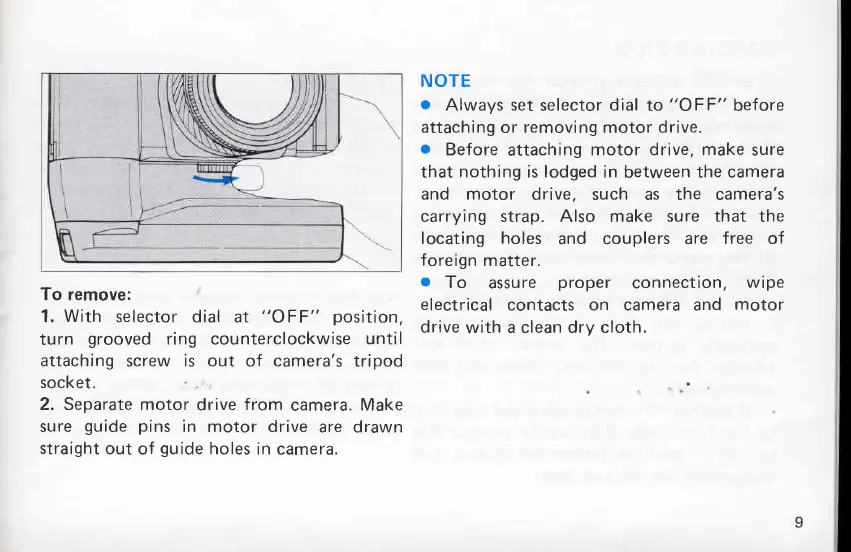
To remove:
1.
With
selector dial
at
"OFF"
position,
turn
grooved
ring counterclockwise
until
attaching
screw
is out
of
camera's
tripod
socket.
"
.
:
2. Separate motor
drive
from
camera.
Make
sure
guide pins
in motor drive
are drawn
straight
out
of
guide
holes
in camera.