1. Turn on your desktop computer.
2. Insert the Getting Started CD into the CD-ROM drive of your desktop
computer.
3. Click
Next to continue.
4. The setup wizard will install Microsoft ActiveSync. Follow the onscreen
instructions to install ActiveSync.
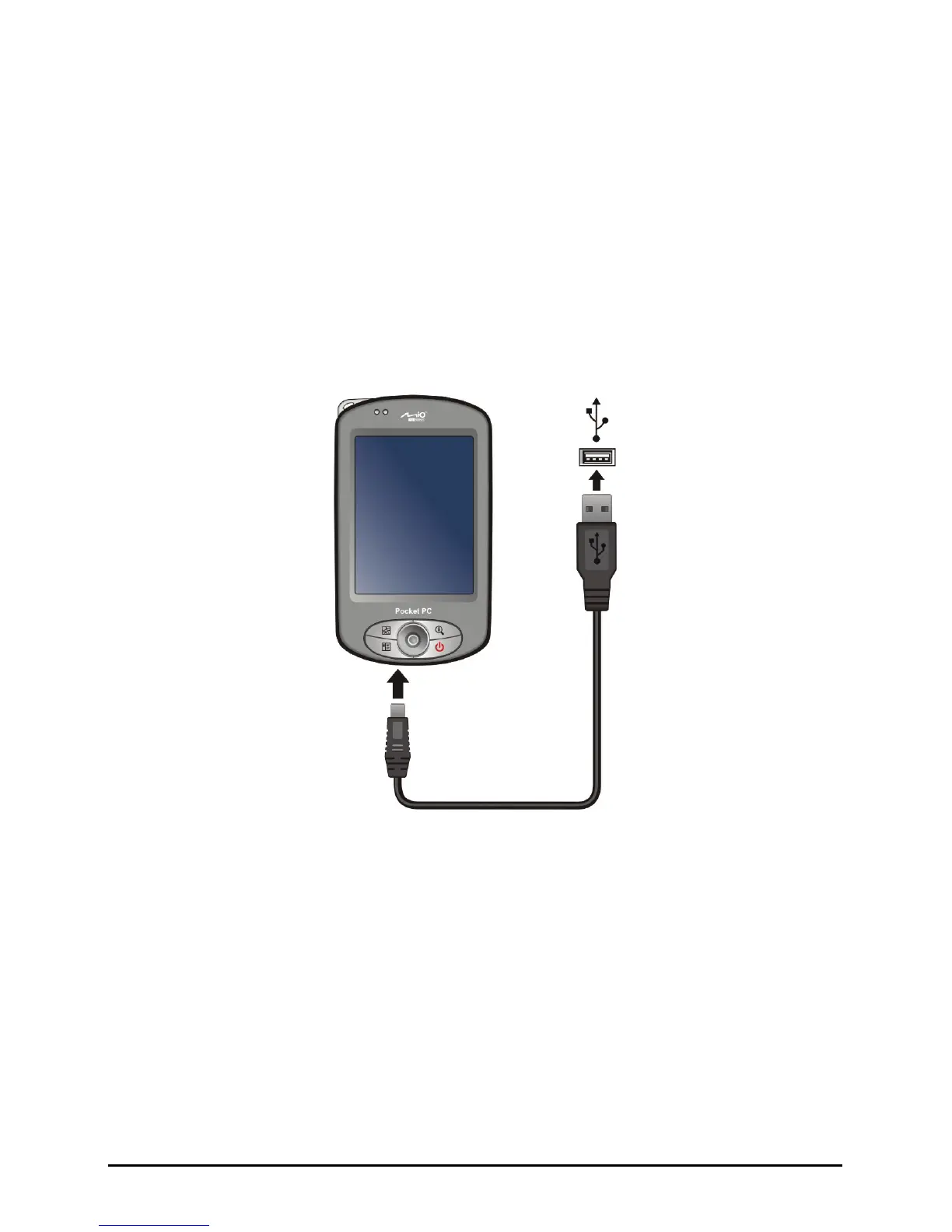
5. When prompted, connect the mini-USB end of the ActiveSync cable to the
bottom of your Pocket PC and the other end to a USB port on your desktop
computer.
6. Follow the onscreen instructions to establish a synchronization relationship
and synchronize your Pocket PC with your desktop computer.
After your first synchronization, the data you have stored on your desktop
computer such as Calendar, Contacts and Tasks is copied to your Pocket PC.
You are now ready to take it along with you when you go.
11


 To Next Page