Chapter 6 Programming 6-11
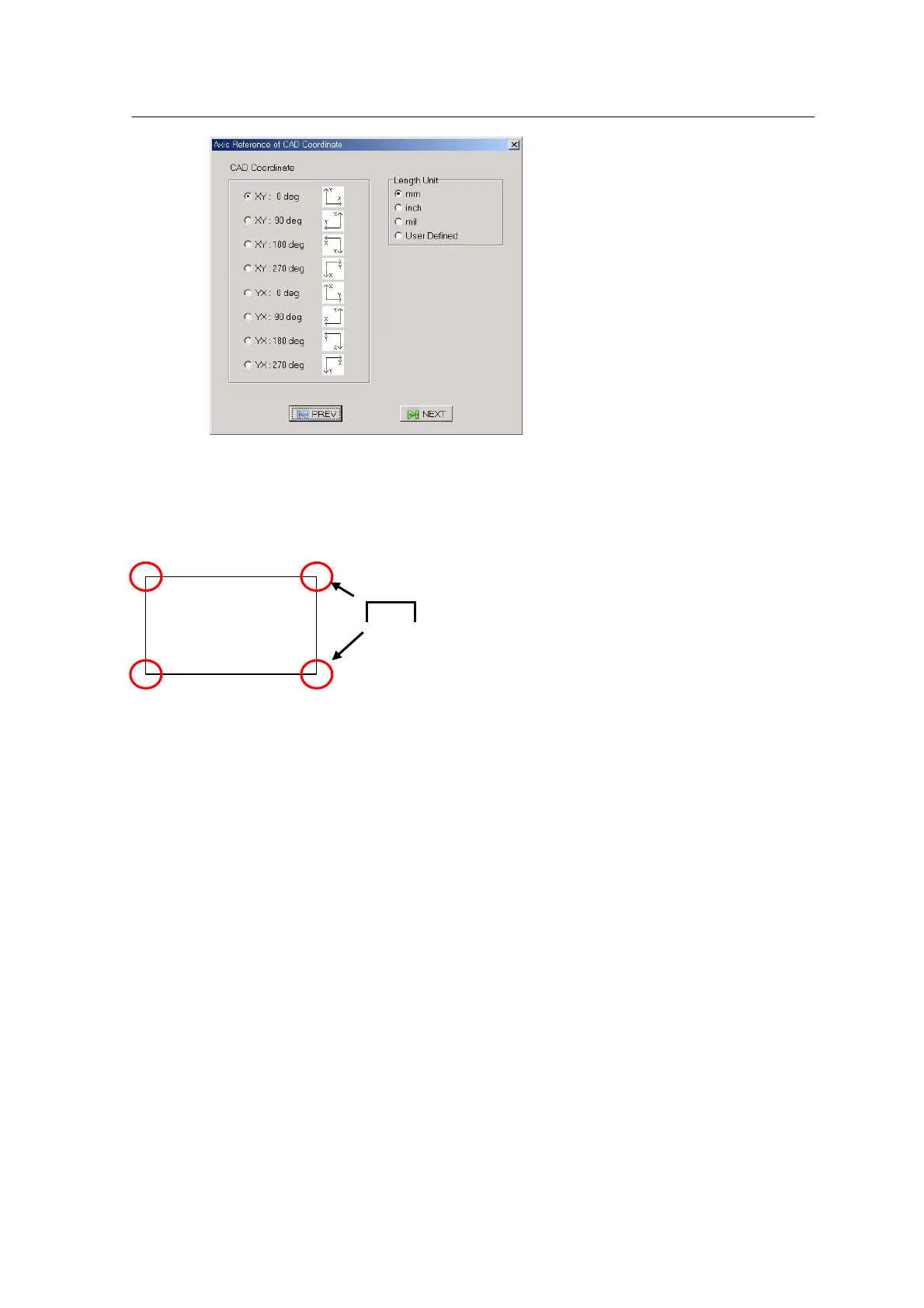
<Figure 6-6 가 Setting CAD Coordinate and Unit >
• XY Origin: Sets an origin of the given XY data. X and Y positions are converted with reference to
the given origin (Positioned at the bottom left in case of a Mirae system)
The origin is selected according to the origin of PWB and ± of XY coordinate.
• Length Unit: Selects unit for a given value.
Proceed to the next step.
Positive Rotation: Sets the origin of the given angle (Important).
• CCW Direction: ‘+’ indicates rotation in CCW direction.
(Mirae, Huji, Samsung)
• CW Direction: ‘+’ indicates rotation in CW direction.
(Yamaha)
• CAD Coordinate: Used to search the position when R value is 0.
• Rotation Angle Scale: Sets the sale of R value.



 To Next Page