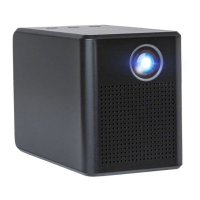
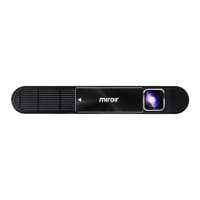
Your Miroir HD Mini Projector
Battery Indicator Light - Lights flash in turn as the device
charges. Briefly press the power button to check the
battery life. Battery life will be display by the number of
lit battery indicator lights.
Projection Lens
Focus Wheel – Roll forwards and backwards to fine tune
the image focus.
HDMI Video Input – Connect and HDMI cable to a device
that supports HDMI video output.
USB Power Output – Connect a USB power cable (not
included) to a HDMI streaming stick or to charge a
smartphone battery. Cannot be used for video input.
Audio Out (3.5mm) – (Optional) Connect an external
speaker or headphones.
Reset Button – Press to reset the projector.
USB-C Charge Input – Connect the supplied USB-C
charging cable and power adapter. Fully charge the
battery before the first use (approx. 4-5 hours).
Power Button – Press and hold for 3 seconds to power the
projector on or o. Briefly press to check battery life on
the projector. Battery life will be display by the number
of lit battery indicator lights.
Volume Controls – Increase/decrease the volume output
of the projector.
Foot Pads – Provides stability and proper air flow to
cooling vents.
Cooling Vent – IMPORTANT: Do not cover of block airflow
to the vent.
A
B
C
D
E
F
G
H
I
J
2
K
L


 To Next Page