EasyManua.ls Logo

MITEX GENERAL Xtreme - User Manual

MITEX GENERAL Xtreme
12 pages
Print Icon
To Next Page IconTo Next Page
Loading...
(MITEX LOGO)
GENERAL Xtreme
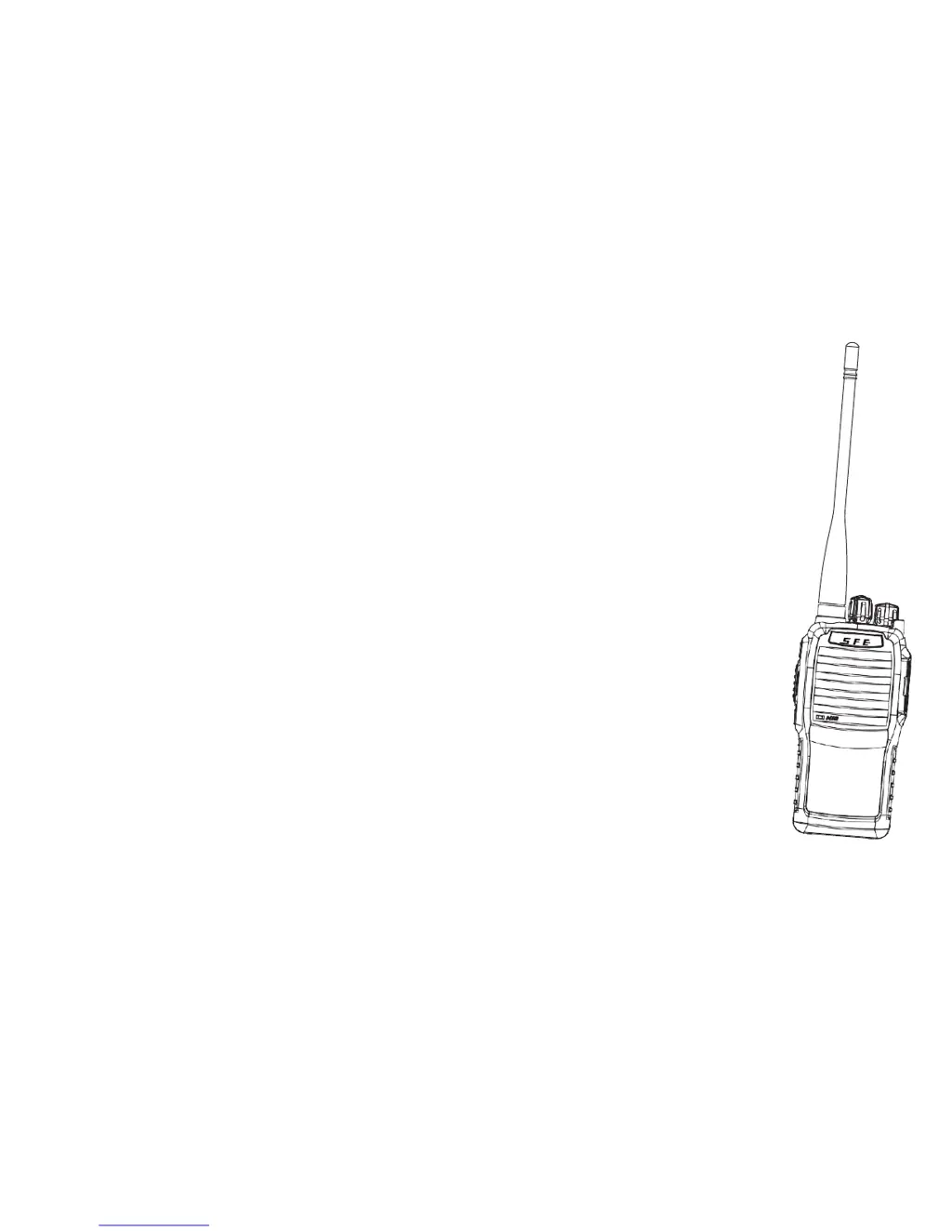
Professional Two-Way Radio
(SAME BACK PAGE AS OUR OTHERS)
(MITEX LOGO) GENERAL Xtreme
GENERAL Xtreme
INSTRUCTION MANUAL

Questions and Answers

  • M
    Mary WellsAug 2, 2025
    Why can't my MITEX Two-Way Radio communicate with other units?
    • K
      Kimberly SmithAug 3, 2025
      Your MITEX Two-Way Radio might not be able to communicate with other units because it is out of usable range, not on the same channel, is not of the same model type, or the CTCSS/DCS settings and/or frequencies are incorrect and do not match.
  • C
    Carrie MoralesAug 9, 2025
    What to do if my MITEX Two-Way Radio receives unwanted transmissions?
    • T
      Tara OrtizAug 9, 2025
      If your MITEX Two-Way Radio is picking up unwanted transmissions, try changing the channel of all radios in your group to a channel that is not in use.
  • J
    Jennifer ShannonAug 17, 2025
    Why does my MITEX Two-Way Radio battery drain so fast?
    • D
      Daniel FerrellAug 18, 2025
      If the battery of your MITEX Two-Way Radio is running out quickly, it likely means the battery is old and needs to be replaced with a new one.
  • C
    courtney07Aug 26, 2025
    How to fix a MITEX Two-Way Radio that won't turn on?
    • M
      Michael KellerAug 26, 2025
      If your MITEX Two-Way Radio does not work when switched on, the battery might be low. Recharge the battery pack, ensure it is properly fitted, or insert a fresh battery. If needed, refit the battery. You can also try swapping the battery with another radio to check if one is available.

Summary

Safety Information

General Safety Precautions

Important safety guidelines for operating the Mitex two-way radio, including avoiding interference and hazardous environments.

Battery Information

Caution

Advice on using only the provided Mitex charger to avoid battery damage and prevent short-circuiting or disposal in fire.

Function and Operation

Power ON;OFF

Instructions for turning the radio on and off using the On/Off/Volume knob.

Channel Selection

Guide on how to select the desired channel by rotating the channel knob.

Emergency Alarm

How to activate the emergency alarm by pressing the side key for a specified duration.

Troubleshooting and Maintenance

Troubleshooting

A guide to common problems and their solutions, such as the transceiver not switching on or communication issues.

Specifications

General

Lists general technical specifications of the radio, including frequency range, channel capacity, and dimensions.

Transmitting

Details on transmitting performance parameters such as RF power output and audio distortion.

Receiving

Details on receiving performance parameters such as frequency sensitivity and adjacent-channel selectivity.

CE Declaration

Warranty and Service

MITEX GENERAL Xtreme Specifications

General IconGeneral
BrandMITEX
ModelGENERAL Xtreme
CategoryTwo-Way Radio
LanguageEnglish

Related product manuals