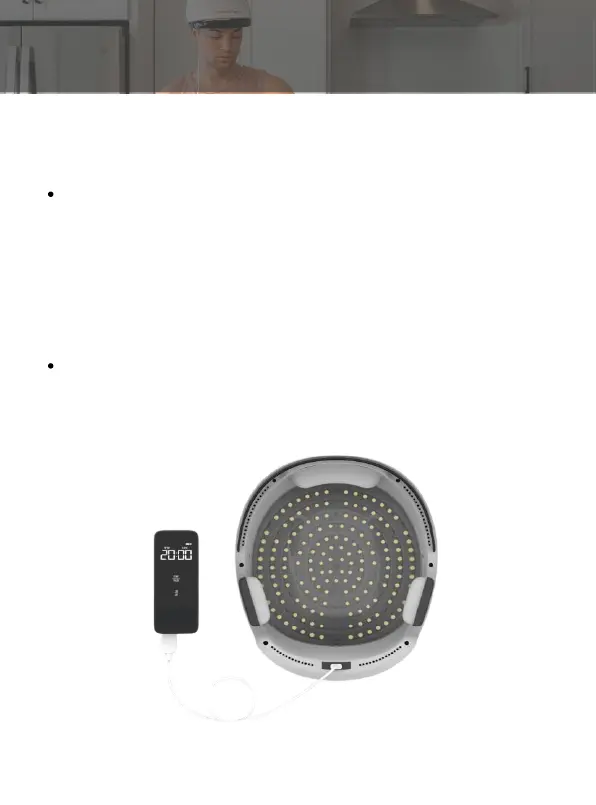
Press the start / pause key for a short time to power on the
laser helmet. All laser lights are always on. The timing is set
to 20 minutes. Start the countdown. Press it again for a short
time to pause. All laser lights are off and the timer is
suspended. Press it again for a short time, and then the
previous operation continues to work. It can cycle until the
set time reaches automatic shutdown. Press the pause or
start key, and the remote control will "beep" once.
When the use time expires, the remote control will send out
a "beep" sound and turn off automatically.
Step 3: Start/Stop your session
How to use
22



 To Next Page