
 Need help?
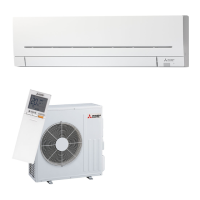
Do you have a question about the Mitsubishi Electric MSZ-AP60VGD and is the answer not in the manual?
 General
| Brand | Mitsubishi Electric |
|---|---|
| Model | MSZ-AP60VGD |
| Category | Air Conditioner |
| Language | English |
Explains warning symbols, caution marks, and their significance for safe operation.
Covers essential safety rules, warnings, and cautions for operating the unit correctly.
Details safety guidelines specific to unit installation and Wi-Fi interface usage.
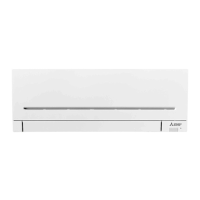
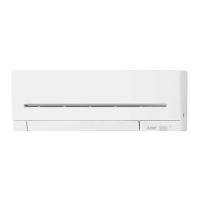
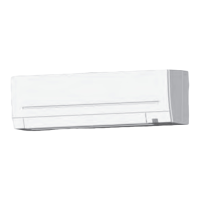
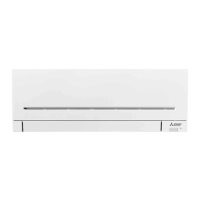
Names and illustrates parts of the indoor, outdoor, and remote controller units.
Guides on installing remote batteries and setting the current time.
Explains how to choose between DRY, HEAT, FAN, COOL, and AUTO modes.
Details how to control airflow direction and fan speed.
Covers functions like LONG, i-SAVE, POWERFUL, and ECONO COOL for optimized operation.
Explains NIGHT MODE operation for reduced noise and indicator brightness.
Explains how to set ON/OFF timers for automated unit control.
Guides on setting up and checking weekly timer schedules for automated operation.
Covers emergency operation switch and auto restart function.
Explains the different Demand Response Modes (DRMs) supported by the unit.
Guides on connecting the Wi-Fi interface to a router and smartphone.
Provides instructions for cleaning the air filters and front panel of the unit.
Offers solutions for common issues related to the indoor and outdoor units.
Guides on choosing an appropriate installation place and electrical considerations.
Provides instructions for preparing the unit for long periods of non-use.
Lists the operating temperature and humidity ranges for cooling and heating.
Details technical specifications of the Wi-Fi interface, including model and connectivity.

 To Next Page