EasyManua.ls Logo

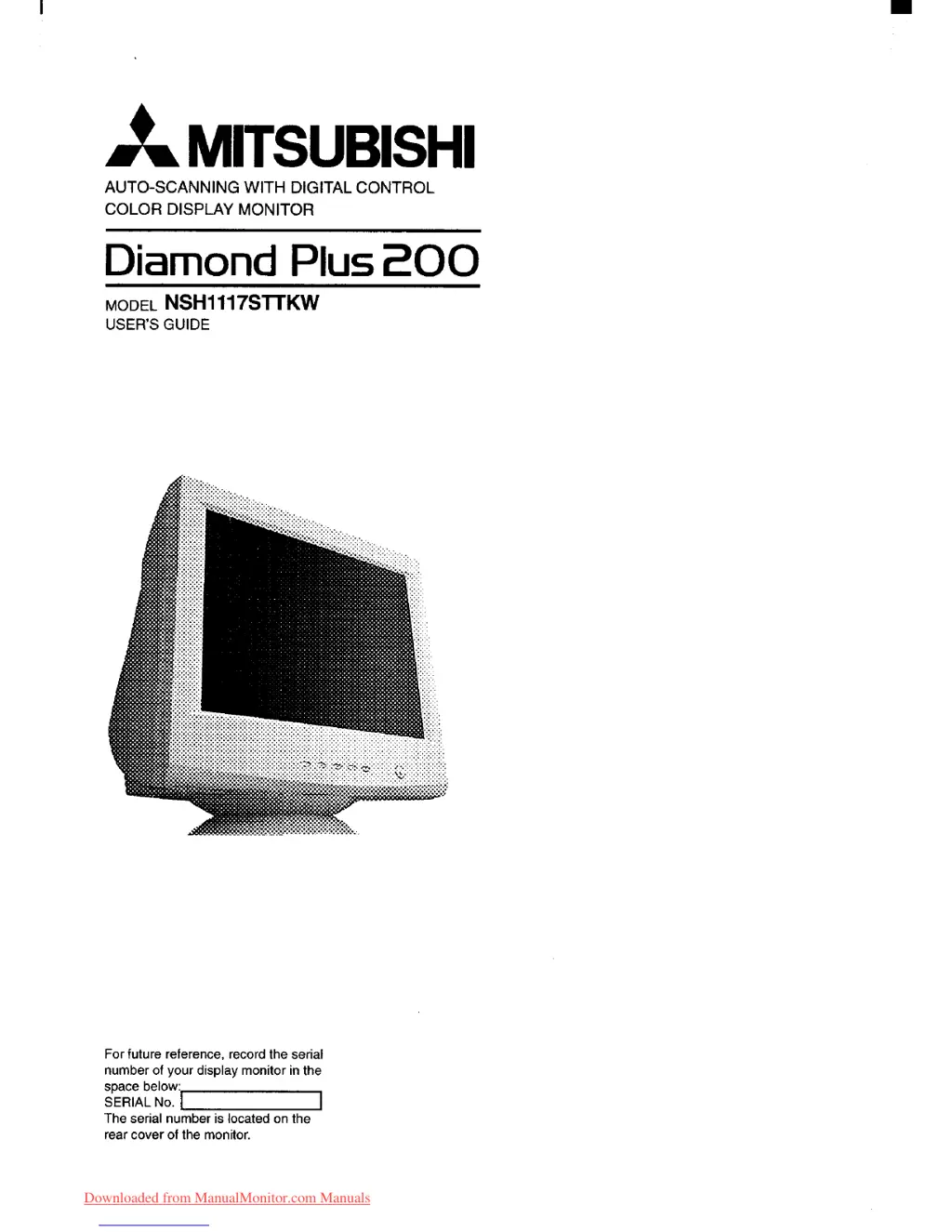
Mitsubishi Diamond Plus 200 - User Manual

Mitsubishi Diamond Plus 200
89 pages
Print Icon
To Next Page IconTo Next Page
Loading...
Downloaded from ManualMonitor.com Manuals

Questions and Answers

  • C
    carrie22Jul 31, 2025
    What to do if Mitsubishi Monitor says signal frequency is out of range?
    • S
      Sara MonroeJul 31, 2025
      If your Mitsubishi Monitor displays a message indicating that the signal frequency is out of range, this is because the input signal frequency is too high or too low for the monitor to synchronize with. To resolve this, check the specification of your graphics adapter.
  • I
    iramosAug 5, 2025
    How to fix a Mitsubishi Monitor with no picture?
    • B
      Brianna MillerAug 6, 2025
      If your Mitsubishi Monitor displays no picture, try the following: First, check the contrast and brightness settings. Then, ensure the power switch is on and the AC power cord is properly connected. Finally, verify the signal cable is connected, the computer power switch is on, and the power management function is not active.
  • A
    Angel PetersonAug 12, 2025
    What to do if a message appeared on my Mitsubishi Diamond Plus 200?
    • C
      Christine DawsonAug 12, 2025
      If a message appears on your Mitsubishi Monitor, ensure the signal cable is properly connected, the computer power switch is on, and the power management function is not active. This should resolve the issue.
  • G
    Gina LuceroAug 17, 2025
    How to fix abnormal picture on Mitsubishi Diamond Plus 200?
    • P
      Paula SpencerAug 17, 2025
      If you notice an abnormal picture on your Mitsubishi Monitor and it seems to be caused by grille element overlap during shipping, position an open white window over the affected area, and maximize the brightness and contrast controls. This will heat the overlap and clear it in a few minutes. Remember to readjust the brightness and contrast controls back to normal afterwards.
  • H
    Heidi BriggsAug 23, 2025
    Why does my Mitsubishi Diamond Plus 200 Monitor make a buzzing sound when I turn it on?
    • W
      woodrebeccaAug 25, 2025
      A brief vibration or hum sound heard just after powering on your Mitsubishi Monitor is normal. This sound is caused by the automatic degaussing function, which occurs each time the monitor is powered up from a cold start or when the manual degauss button is used.

Summary

Introduction

Features

Details monitor capabilities: resolution, scanning, compatibility, USB, and display standards.

Internal Preset Memory Capability

Explains factory-preset display standards and user storage for automatic adjustment.

Power Management Function

Describes the monitor's energy-saving mode linked to VESA DPMS for reduced power consumption.

DDC

Explains the Display Data Channel for automatic system configuration and Plug & Play.

Location Considerations

Provides advice on optimal placement to avoid interference and ensure viewing comfort.

Cleaning Your Monitor

Offers guidelines for safe and effective cleaning of the monitor, including cautions.

Unpacking

Instructs on unpacking the monitor and checking contents, saving packaging.

Tilt;Swivel Base

Explains how to adjust the tilt and swivel base for optimal viewing comfort and screen positioning.

Quick Operation Chart

Provides a step-by-step overview of connecting and setting up the monitor for initial use.

Part Name

Control Names

Identifies and locates user controls, indicators, and connectors on the monitor's front and rear panels.

Function

Describes the function of each control button, indicator, and connector on the monitor.

Installation and Connection

AC Power Connection

Details how to connect the monitor to the AC power outlet safely and correctly.

Connecting to Any IBM VGA Compatible System

Guides connecting the monitor to IBM VGA compatible systems using the SC-B104 cable.

Connecting to an Apple Macintosh Computer

Guides connecting the monitor to Apple Macintosh computers using the SC-B104 cable and adapter.

Connecting to two computers

Instructs on connecting the monitor to two computers simultaneously using appropriate cables.

Installation of USB Function

Details the procedure for installing the USB function for monitor control software.

OSD (On Screen Display) FUNCTIONS

How to Adjust the Screen

Provides instructions on using the OSD menu to adjust screen settings like contrast and brightness.

Adjustment Items

Lists all available adjustment items and their functions within the OSD for image optimization.

Troubleshooting

Specifications

Appendix

Monitor Signal Input Connector (DB9-15 P)

Details the pin assignments for the monitor's DB9-15P signal input connector.

SC-B104 Signal Cable

Provides information about the SC-B104 signal cable, including its pin assignments.

Optional Macintosh Adapter AD-A205 Settings

Guides on setting up the optional adapter for Macintosh computers and selecting resolutions.

Mitsubishi Diamond Plus 200 Specifications

General IconGeneral
Display TypeCRT
Dot Pitch0.24 mm
Max Resolution2048 x 1536
Vertical Refresh Rate50 - 160 Hz
Input SignalAnalog RGB
Resolution2048 x 1536
Aspect Ratio4:3
Refresh Rate50 - 160 Hz
Display Colors16.7 million
Screen Size22 inches
Viewable Size20 inches
Horizontal Refresh Rate30 - 95 kHz
Input Connectors15-pin D-sub

Related product manuals