11
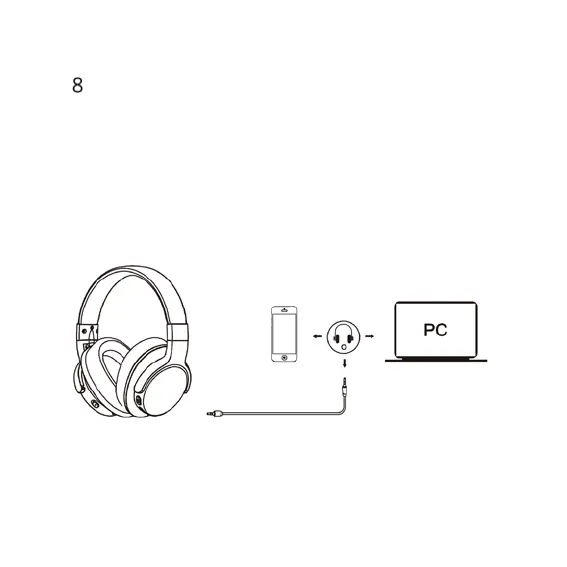
Used as a Wired Headphones
There is a 3.5mm audio port on the left side of ear cup in which you can
plug the included audio cable. It enables you to connect E9 to other devices
via 3.5mm audio cable. When the headphones battery is low, you can still
enjoy the music without worrying about the battery.
Note: The microphone can’t work when used as wired headphones.


 To Next Page