7
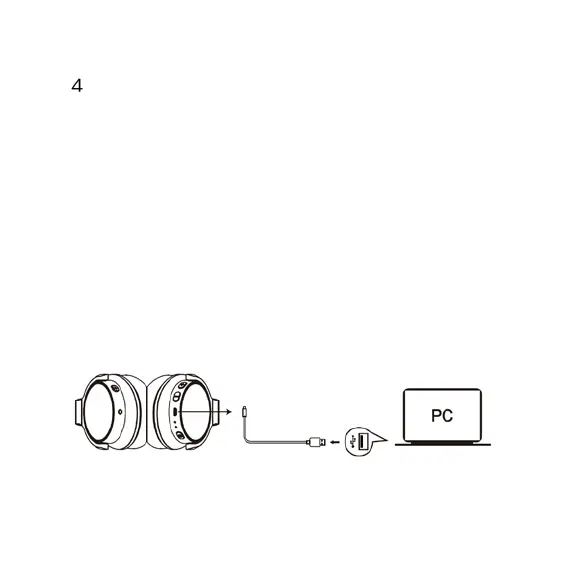
Charging
Use the supplied micro USB charging cable to recharge the battery. It takes
about 1.5 hours for the first charge and after charging for as long as 1
hours. The headphone LED turns to solid red during charging. When the
battery is fully charged, the LED turns off.
In order not to affect the charging time, please turn off the wireless
function during charging, but you still can use the audio cable.
When the battery is low, the LED indicator light blinks red. At the same time
the headphones also provide a low battery warning tone.
Note: It is strongly recommended fully charging for the first use. Playtime
varies according to volume level and audio content.


 To Next Page