EN-6
7. Using a Wired Headphone
1. When a call is incoming. The LED flashes red twice every
second.
2. Press the power button on your headphone or the answer
button on your phone to answer the call. If there is the music
playback, it will pause.
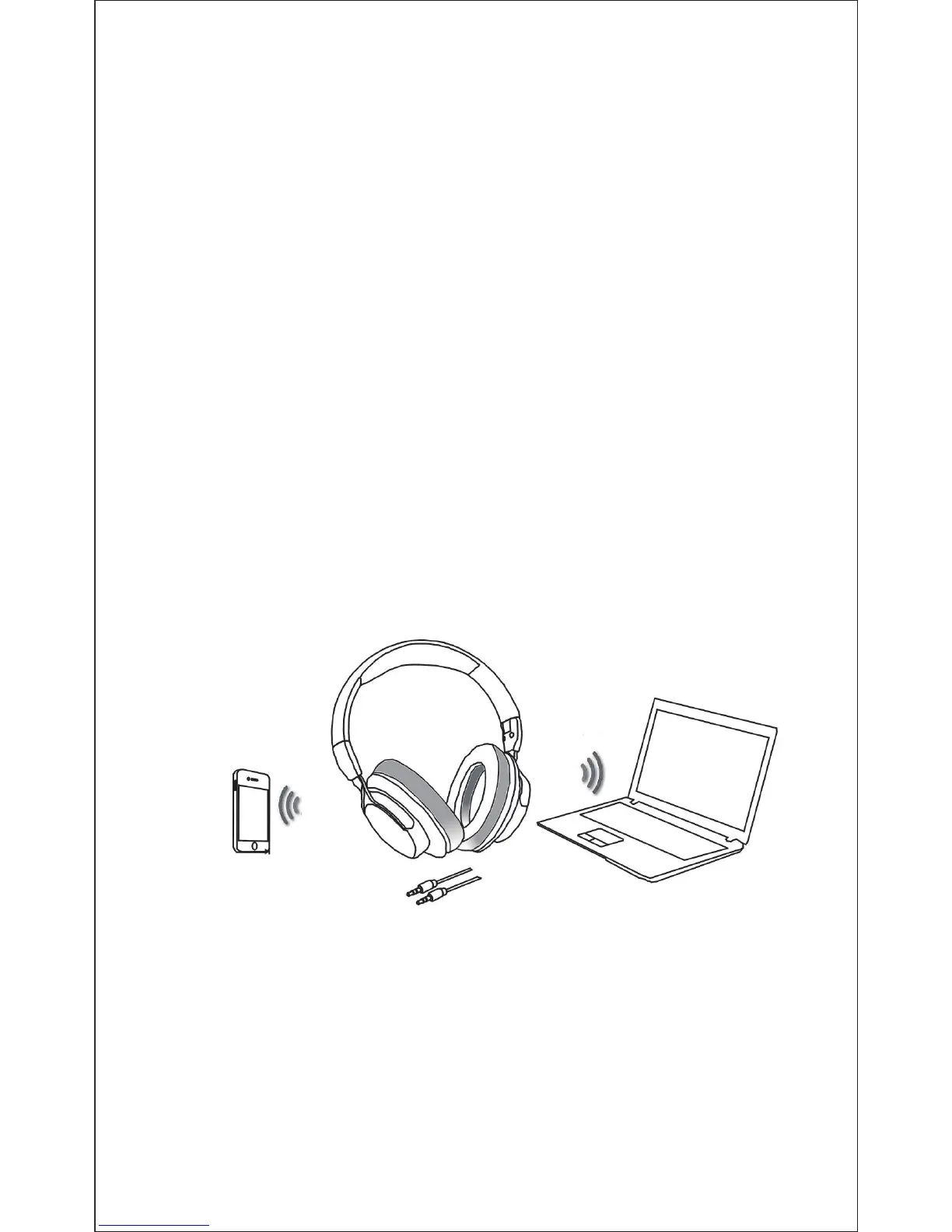
The ShareMe 7 provides a 3.5mm audio jack located on the
side of ear cup and an included audio cable for wired use. This
allows you to use the audio function with other devices without
having Bluetooth or charge the battery through the audio
cable when the battery power is low.
Note: The microphone can't work when using as wired
headphone.
8. Take Care Your Headphone
- Store the Headphone with power off and in a dry environment.
- If you don’t use the headphone for a long period, charging
the battery every 2 months for 1-2 hours.
- Use a dry cloth for cleaning if needed.
- Avoid dropping the headphone from high places or on
hard surfaces.
Pairing with a phone
1. Answer a call
2. Play media
Using as a wired headphone
A audio cable for wired use
Pairing with a computer
Play media
Bluetooth distance
10 meter
3. To end a call, press the power button once again or also end
the call directly by the phone.
4. As soon as the call is ended, the music will continue to play
automatically.
Note:
- The microphone can't work when using as wired headphone.
- Only the primary headphone can answer the call when using
ShareMe function.
- Avoid exposing the headphone to extreme temperature.
(Recommended Storage temperature is -40˚C-80˚C.)
- The headphone is NOT waterproof. Avoid exposing the
headphone to rain or getting liquids into any button port or
other openings.
- Please don’t twist or bend the headphone. This may
cause permanent deformation.
- The build-in battery can’t be disposed in the fire to avoid
explosion.


 To Next Page