EN-8
Note:
- ShareMe 7 will pair with the last paired device automatically
when turned on. But for some computers or laptops you will
need to manually pair every time.
- There will be a alert tone when the volume reaches the
minimum or maximum level.
- The microphone can't work when using a wired headphone.
The “*” is available to the primary headphone with enabled ShareMe
function.
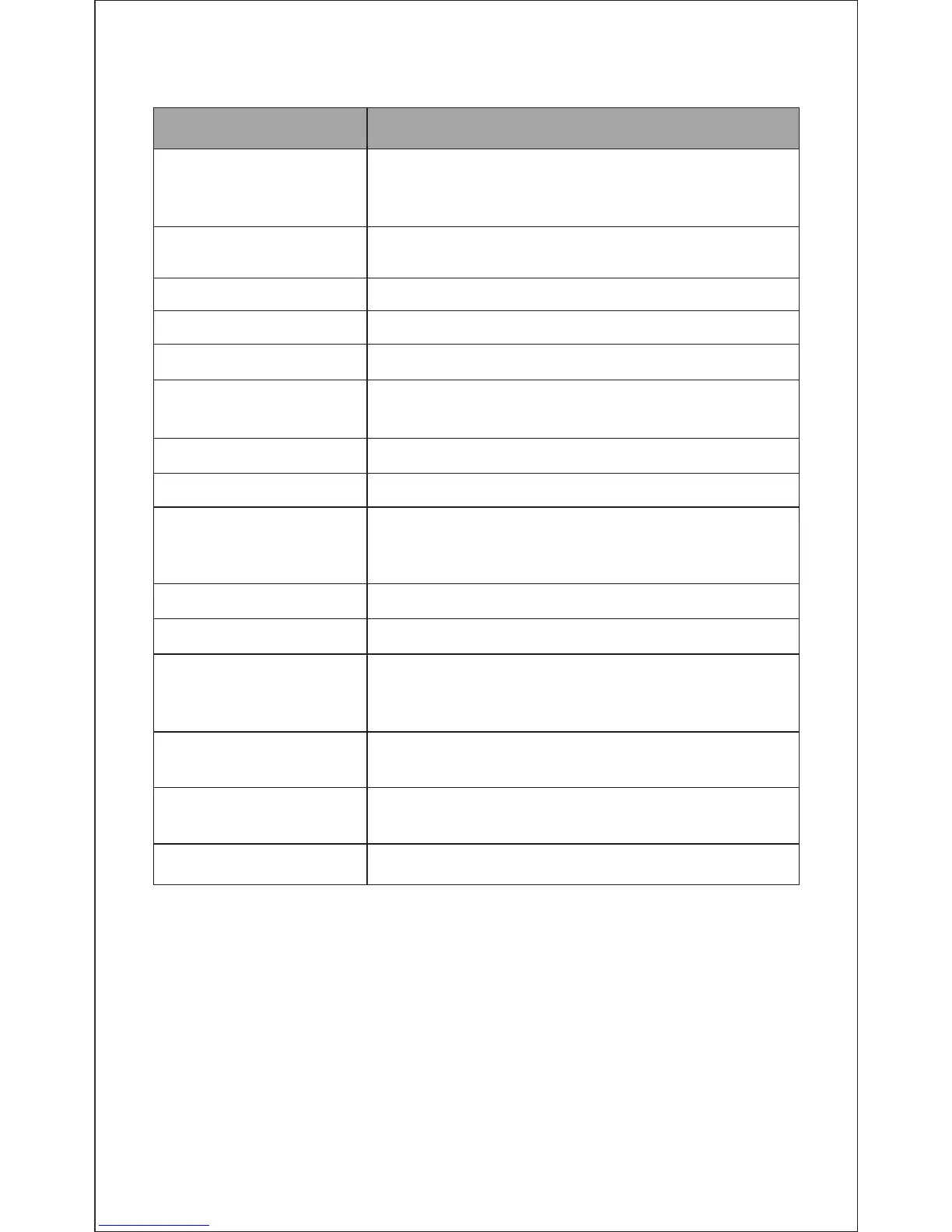
Function Operation
Power on
Press and hold the power button 3 seconds. And
the LED flashes blue and sounds “Power on”.
Then flashes blue every second.
Power off
Press and hold the power button 3 seconds. And
the LED flashes red and sounds “Power off”.
Increase volume
Press the Volume Up V+ button
Decrease volume
Press the Volume Up V- button
Play media Press the power button
Pause/restart media
playback
Press the power button
Skip to next track Long press V+ button
Skip to previous track Long press V- button
Answer a call*
The LED flashes red twice every second and press
the power button to answer the call. Then the LED
flashes blue twice every second.
Reject a call* Press and hold the power button for 2 seconds
End a call* Press the power button
Switch the call
between a phone
and a headphone*
Answer a new call and
hang up the current call*
Keep the current call
and answer a new call*
Redial the last number*
Press and hold the power button for 2 seconds
to switch the on line call between a phone and
headphone
Press the power button
Press and hold the power button
Press and hold the power button for 2 seconds
10. Control Instructions


 To Next Page