11 12
8. FEATURES FROM YOUR PHONE
REMOTE CAMERA
Set up your remote camera controls
using the phone App.
Select the Watch S from the device list and
scroll down the list of options to the Remote
Camera icon .
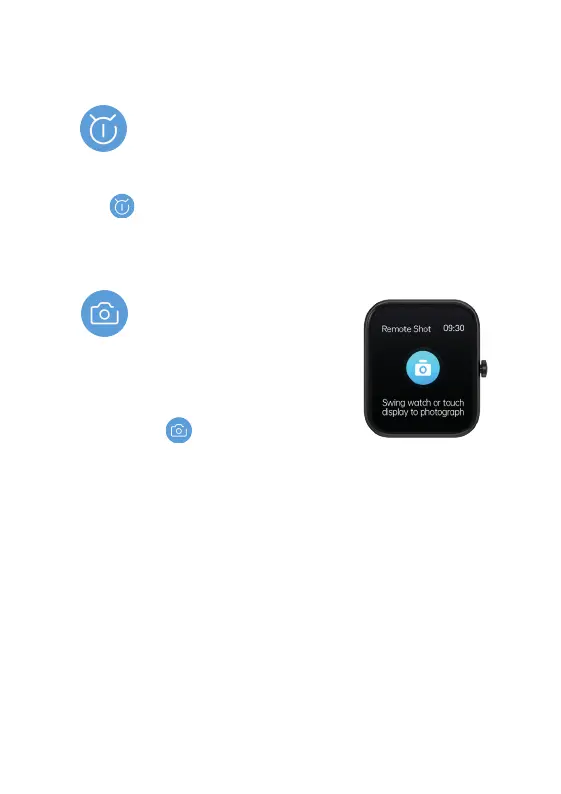
The camera on your phone will open and the screen
on your Watch S will change to the Remote camera screen.
Set up your phone to point at the desired subject and use your
Watch S to take the photo by either: tapping the screen of your
Watch S or rotating your wrist.
Your Watch S photos will be automatically saved your phone.
ALARM CLOCK
On the phone App, tap the device icon. Select the Watch S from
the device list and scroll down the list of options to the Alarms
icon . From here you can access any existing alarms you
may have set up, or set up a new alarm. Your Watch S will buzz
when the alarm is activated.


 To Next Page