Page 4
Your “Reference Series” has twin sophisticated Digitally Accurate Microprocessor controlled
crossover circuits (D.A.M.P. 3rd generation), which incorporate a digital display so that the upper
response limit can be set in musically accurate variable increments between 20hz and 120hz. An
LFE bypass facility is activated at the upper end of the Lro level controls setting which allows the
input signal to bypass the filter circuit with a fixed 200hz roll-off. The LFE bypass is used where
an already filtered signal is offered to the low level input sockets. An example of this would be a
sub output from a dedicated control pre-amplifier such as found in a Home Cinema system. With
twin crossovers you have the ability to set the crossover point independently for the High Level/
Line Level inputs and the LFE/CEN inputs. Accurately setting your system up for Audiophile
Multi-channel Music and Home Cinema has never been easier.
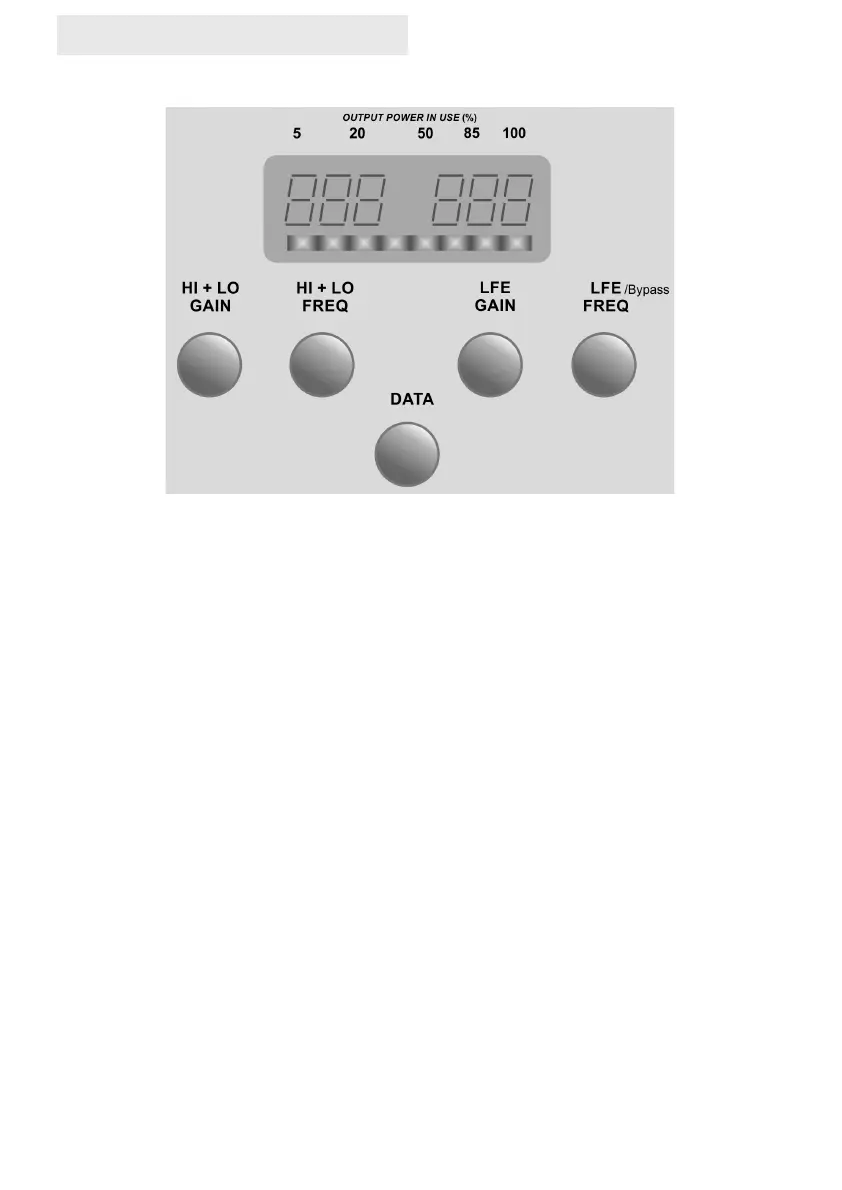
There are separate Crossover and Gain controls for HI/LO and LFE level inputs, an LFE bypass
setting and audibly transparent "Dynamic Intelligent Protection" (D.I.P.) circuit, which monitors
the output stages for clipping and limits the cone movement if the amplifier is being over-driven.
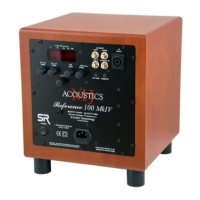
A professional Speakon connector is standard for the “Reference ” stereo High Level input
utilising an approved touch proof design to cater for potentially high voltages that can be
connected to it. The “Reference” also offers unbalanced Line-Level gold plated RCA connectors
to cater for LO,LFE and CEN inputs.
Incorporated within this model is our 3rd generation DAMP® offering full digital adjustments of all
features but with that all important analogue feel. All the system functions and adjustments can
be made using a single data rotary control knob. In addition to the main Data rotary control we
provide a further 4 rotary controls for instant access to FREQ and GAIN for the twin independent
crossovers. These 4 rotary controls also provide the means to select and store 4 user pre-sets.
Use of the controls could not be simpler. For the Data control push to select menu item and turn
to adjust. User pre-sets can be selected by a single short push on the appropriate rotary control
and a push and hold for storing new settings. (See page 7 memories)
Reference Series User’s Manual
03/2023 (REF– GEN)


 To Next Page
 Loading...