2
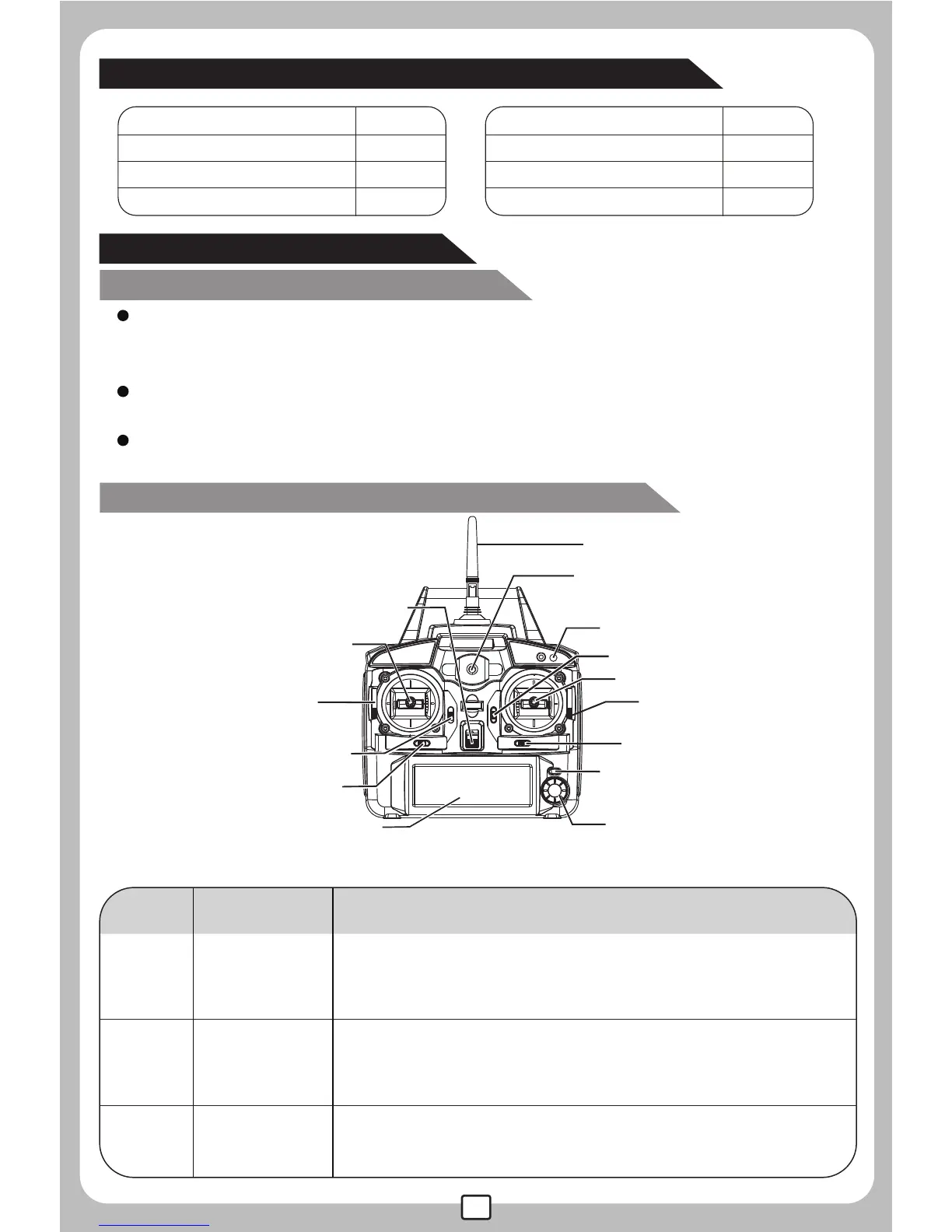
The LCD Remote controller
Remote Controller
(Transmitter)
Microcomputer control LCD remote controller ,with the 2.4G auto
connection technology, many helicopters can be operated
simultaneously with high stability.
Control the actions of upward,downward,forward, backward,leftward,
rightward,turning left and turning right of the helicopter.
Throttle control stick can be freely switched according to player's
willingness.
1
2
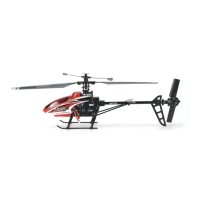
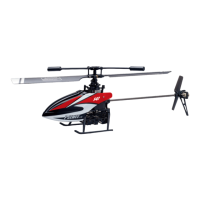
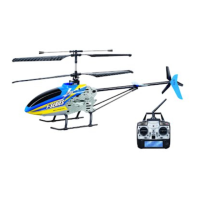
Product/spare parts included in this packaging
Description
Left stick
Right stick
STICK MOD2:upward/downward,leftward/rightward;
STICK MOD4:upward/downward,turn left/turn right;
STICK MOD1:forward/backward,turn left/turn right;
STICK MOD3:forward/backward,leftward/rightward.
STICK MOD1: upward/downward,leftward/rightward;
STICK MOD3: upward/downward, turn left/turn right;
STICK MOD2: forward/backward,turn left/turn right;
STICK MOD4: forward/backward,leftward/rightward.
3 Trimmer A
In stick Mod 2 and 4, this button is null.
In stick Mod 1and 3, it helps to tune the helicoper's
forward and backward flight.
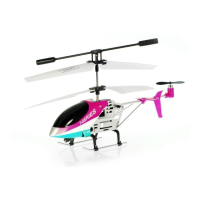
Helicopter 1
1
1
1
2
Remote controller
Manual
Adaptor
Rotor blade
Qty(pc)
Description
Qty(pc)
13
PUSH
EXIT/
LIGHT
MENU/
OK
POWER
1. Left stick
12. Throttle changing
button (Left)
13. Throttle changing
button (Right)
14. Exit
7. Power switch
8. Antenna
9. Power indicator
11. Camera Switch
2. Right stick
3. Trimmer A
4. Trimmer B
5. Trimmer C
10. Menu/OK15. LCD screen
6. Trimmer D
No. Function switch Function description
Main features of the remote controller
Sketch and function switches of the remote controller


 To Next Page