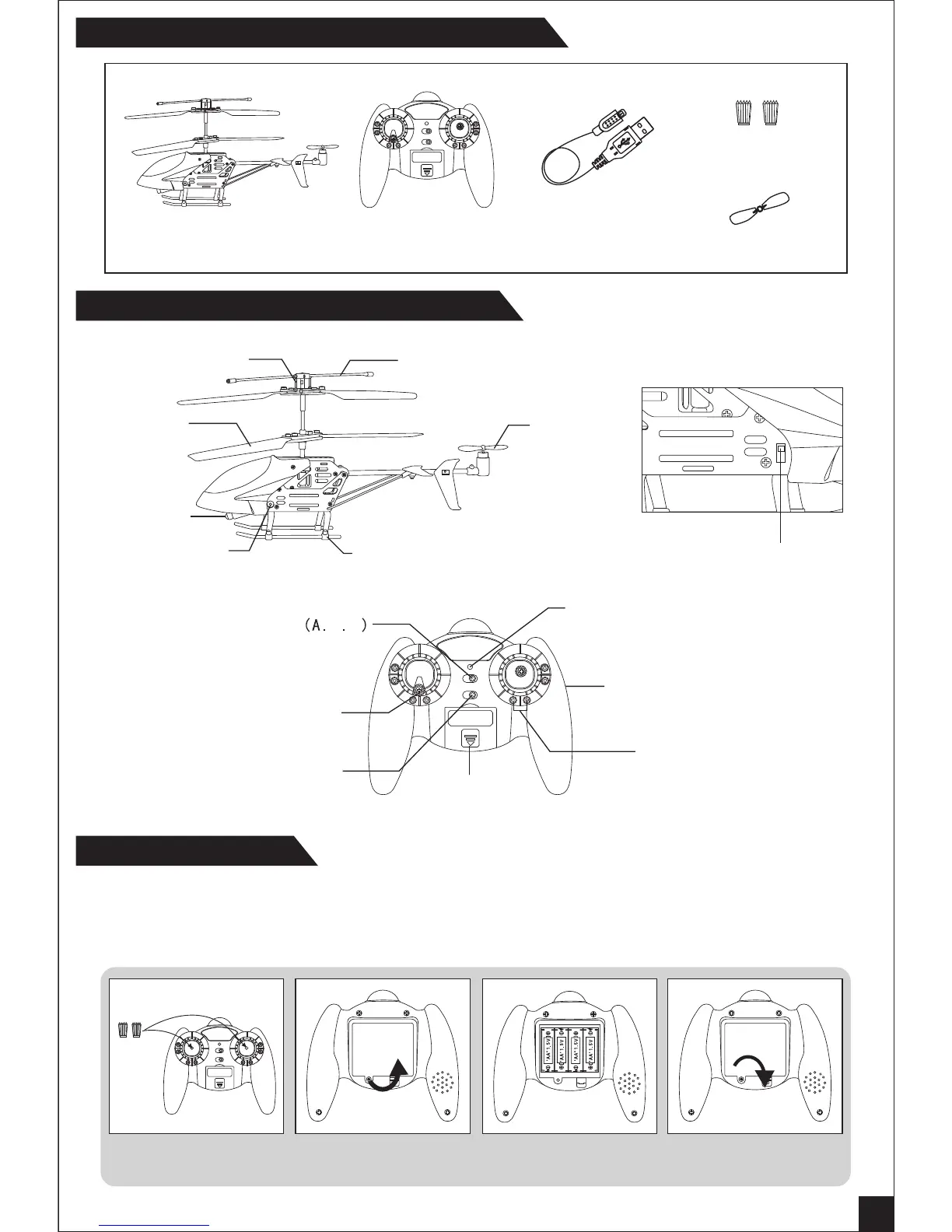
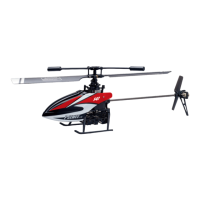
Product / Spare Parts Included in This Packaging
Sketch - major Parts and Function Switches
Battery Installation
Helicopter Remote Control
Control Sticks
USB Charger
Extra Tail Rotor
1. Install the control sticks.(Pic.1)
2. Unscrew counter clockwise to open the battery compartment cover.( Pic. 2 )
3. Install 4 X AA batteries into the battery compartment according to the given polarity. ( Pic. 3 )
4. Screw clockwise to close the battery compartment. (Pic. 4 )
Pic. 1 Pic. 2 Pic. 3 Pic. 4
1
A12
Power
ON OFF
OPEN
Connector
Main Rotor
Tail Rotor
Landing gear
Stabilizer bar


 To Next Page