Software
05 Software Update
Performing the update
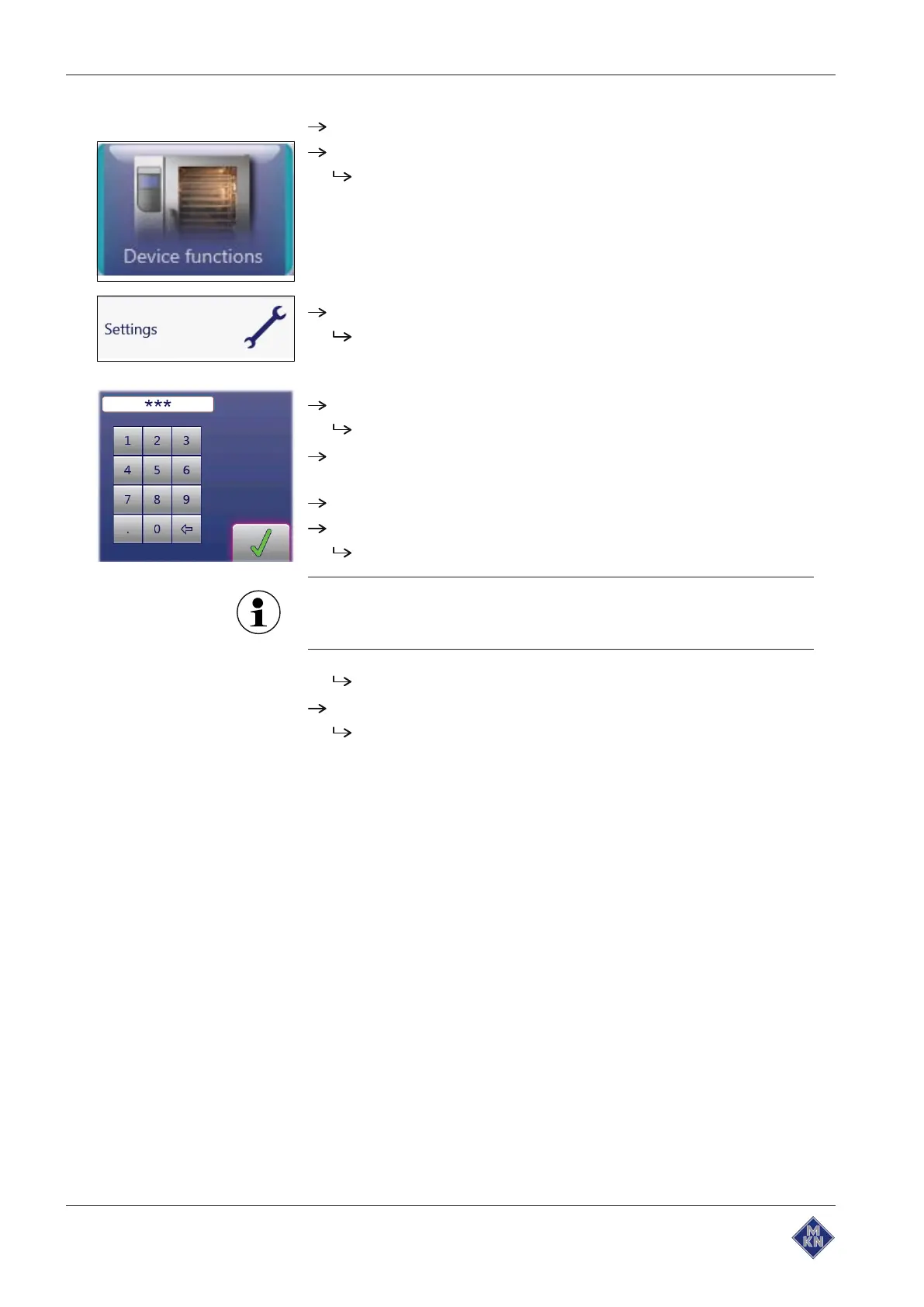
Switch the appliance on.
Touch the "Appliance functions" field.
Display of
Appliance functions
menu.
Touch "Settings" field.
Display of window "
PIN
".
Enter password and touch
Confirmation
field.
The password for the Settings menu is
111
.
Select the "Software update" field on the left area of the menu by
swiping.
Touch the "Software update" field.
Touch the "OK" field.
The update begins.
The update can take up to 20 minutes. The software is restarted
several times. Do not switch appliance off.
Then a confirmation appears on the touchscreen.
Touch the "OK" field.
An automatic restart of the software.



 To Next Page