Software
04Software Update
7.1 Software update
Prerequisite
USB stick.
Maximum size 32 GB.
Formatting FAT32 or FAT.
The disk should be empty if possible.
Current software update.
The update is provided as packed ZIP file.
Preparing the USB stick
Open and download Zip file and unzip. In general, the unzipped
folder is in the same directory as the previously compressed one.
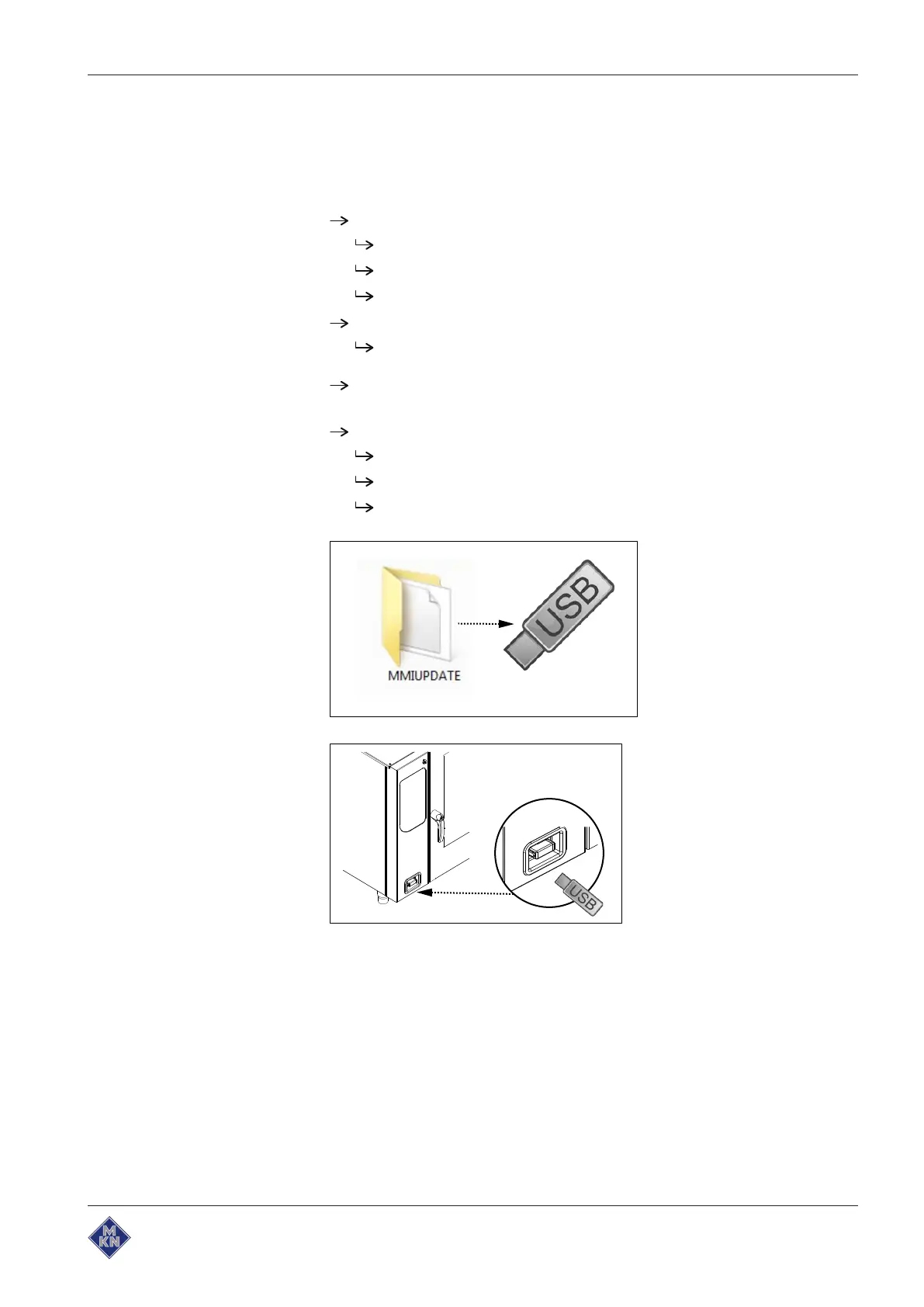
Copy unzipped folder "MMIUpdate" to the USB stick.
In the folder you will find the update file.
The file has the extension ".ugl".
For example, "012200.ugl" (software update V1.22).
Inserting the USB stick
The USB interface is behind the cover on the bottom left of the
housing.



 To Next Page